

Social post approval: from artwork review to scheduling
Follow a carousel through slide comments, a new version, the client's decision and the final checks before scheduling.
Written by the Aproova product team from the review flows we build and test in the application.
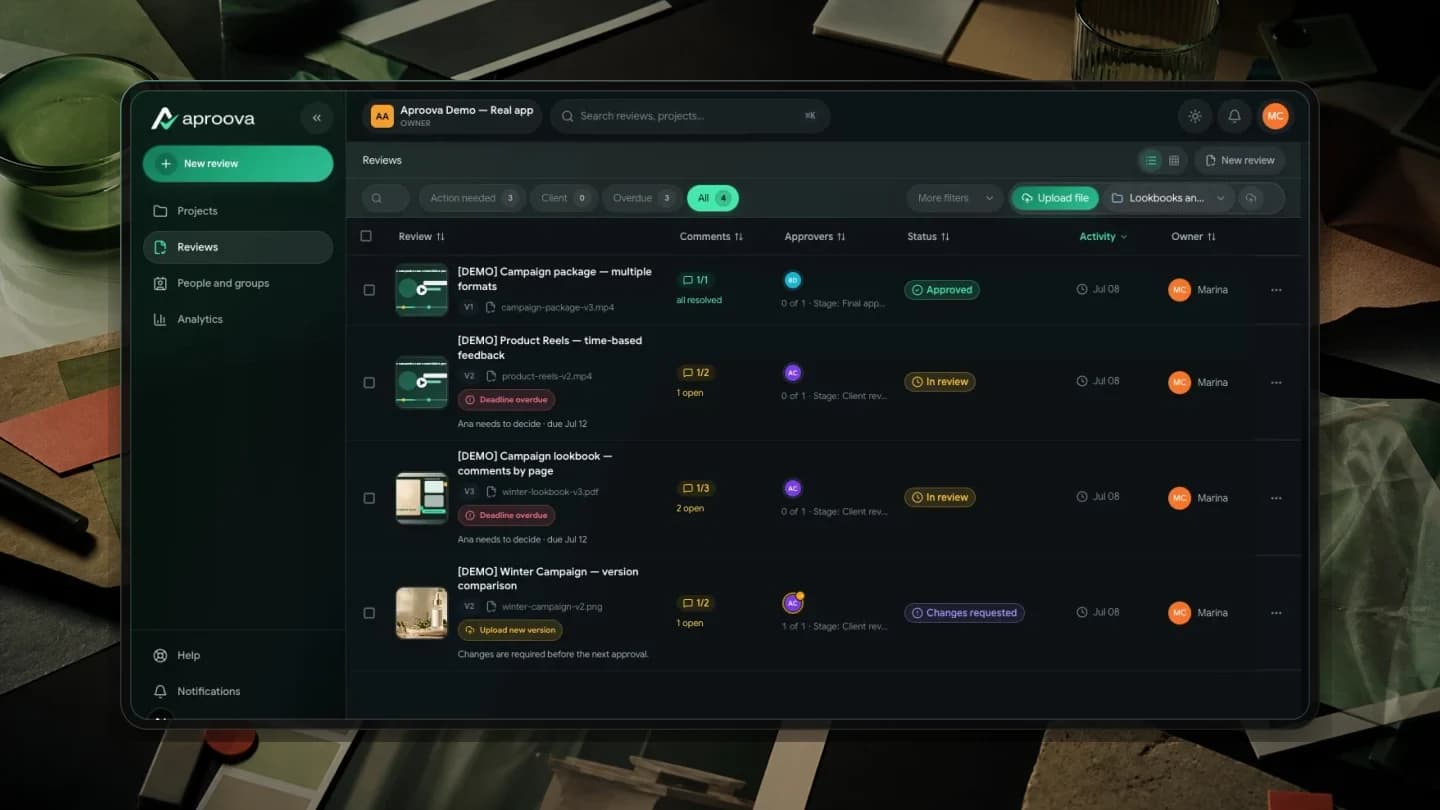
The client approves the carousel. When it is time to schedule it, the account manager finds a different caption and a folder with two files named ‘final’. One question remains: what exactly was approved?
Review addresses the content that will go live. Scheduling determines the account and publication time. The process needs to connect those tasks, even when the team uses different tools.
Start with the material the client needs to check
Define the scope of the round: artwork only, artwork and caption, or the entire publication package. Present the slides in reading order and identify the text when it is part of the approval.
A short workflow may be enough to confirm a finished asset. If changes still arrive as scattered screenshots, try a review that keeps each comment with the material. Evaluate it with a typical agency delivery.
Worked example: a five-slide carousel
This fictional example illustrates a workflow; it is not a client result. An agency prepares a five-slide carousel about a workshop. The round includes artwork v1 and text labeled ‘Caption 01’. The account manager checks the details; the client decides whether the package can proceed.
On slide 2, the comment reads: ‘Change the time from 14:00 to 15:00, as specified in the approved brief. Check the caption too.’ On slide 5: ‘The call to action should direct people to register through the profile link; remove the reference to direct messages.’ Each request identifies the location, change and reference.
The designer uploads artwork v2 and the account manager presents ‘Caption 02’. The reviewer checks both changes and reads all five slides in order. Resolving a comment does not approve the entire carousel.
Record what the decision covers
In this example, the scope record could say: ‘Workshop carousel, five slides, artwork v2 and Caption 02 reviewed for the brand's account. The account manager will set the publication date and time.’ This is sample wording; the person responsible must record the actual decision.
If the round covered only the artwork, say so. A caption changed after approval needs to go back to the person responsible for the text. Approval of one component does not authorize every combination of files.
Hand over the approved package for scheduling
The publisher receives the delivery name, approved version, corresponding caption and decision reference. Before scheduling, they check slide order, destination account, link, date and time.
Aproova organizes content review and approval. Social publishing happens in the team's publishing tool. This example uses a manual handoff between those stages and does not depend on an automatic integration.
If the scheduling tool requires a crop or export that changes the composition, check the resulting file before publication. Approval of the original artwork does not establish that the crop is correct.
Test the workflow with a complete delivery
Choose a carousel with real changes. Observe whether the reviewer finds the slide, the designer understands the request and the account manager can locate the approved version without asking in chat.
Record what was missing before switching tools or adding automation. If people are unsure who decides or which text is current, start by defining the process.
Questions people ask before setting up the workflow
Does Aproova schedule social media posts?
No. Aproova organizes content review and approval. After the decision, the team sends the files to its publishing tool.
Does artwork approval also approve the caption?
Only if the caption was included in the material presented and the decision's scope. Identify the reviewed text and request another check if it changes.
Do I need two systems to approve a carousel?
Not necessarily. Test whether your current workflow lets you locate changes, check the correct version and record the decision. Add a tool when there is a specific need the current process cannot meet.
Continue with these guides

The client will not approve the artwork: what to check before another revision
Investigate unclear criteria, missing decision authority and unanswered questions before revising again. Define responsibilities, revision rounds and feedback on the asset.
Read guide
Online proofing for agencies: how it works and when it helps
Learn how online proofing connects comments, versions and campaign approval across designers, account managers and clients.
Read guide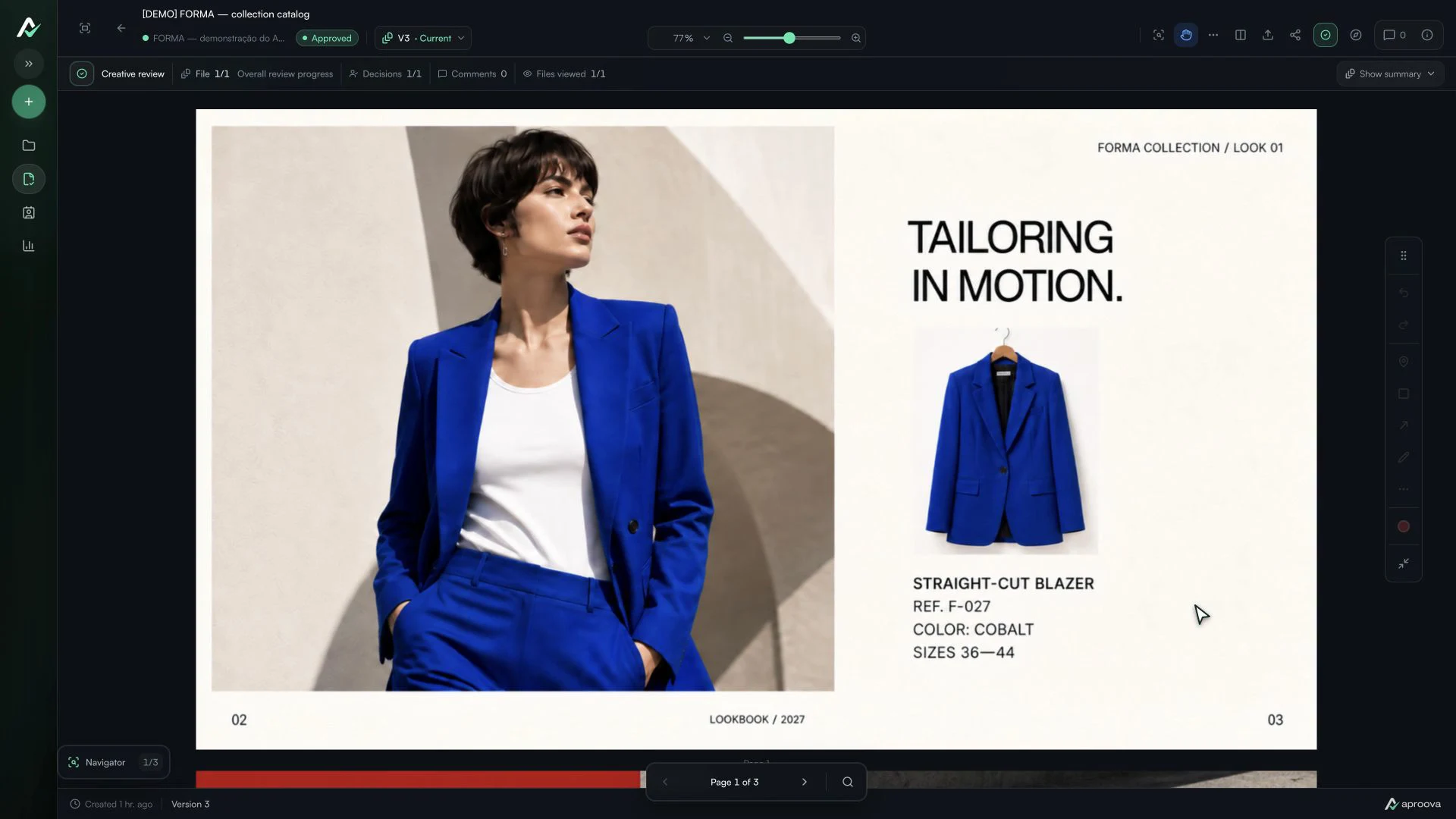
The client approved the artwork, then requested a change. Which decision applies?
Handle a change requested after approval, identify the authorized version and record a new decision without losing the history.
Read guide