

Approve product photographs before building the catalog
Separate selection, retouching and cropping when approving product photographs. Mark adjustments, attach references and check the final version.
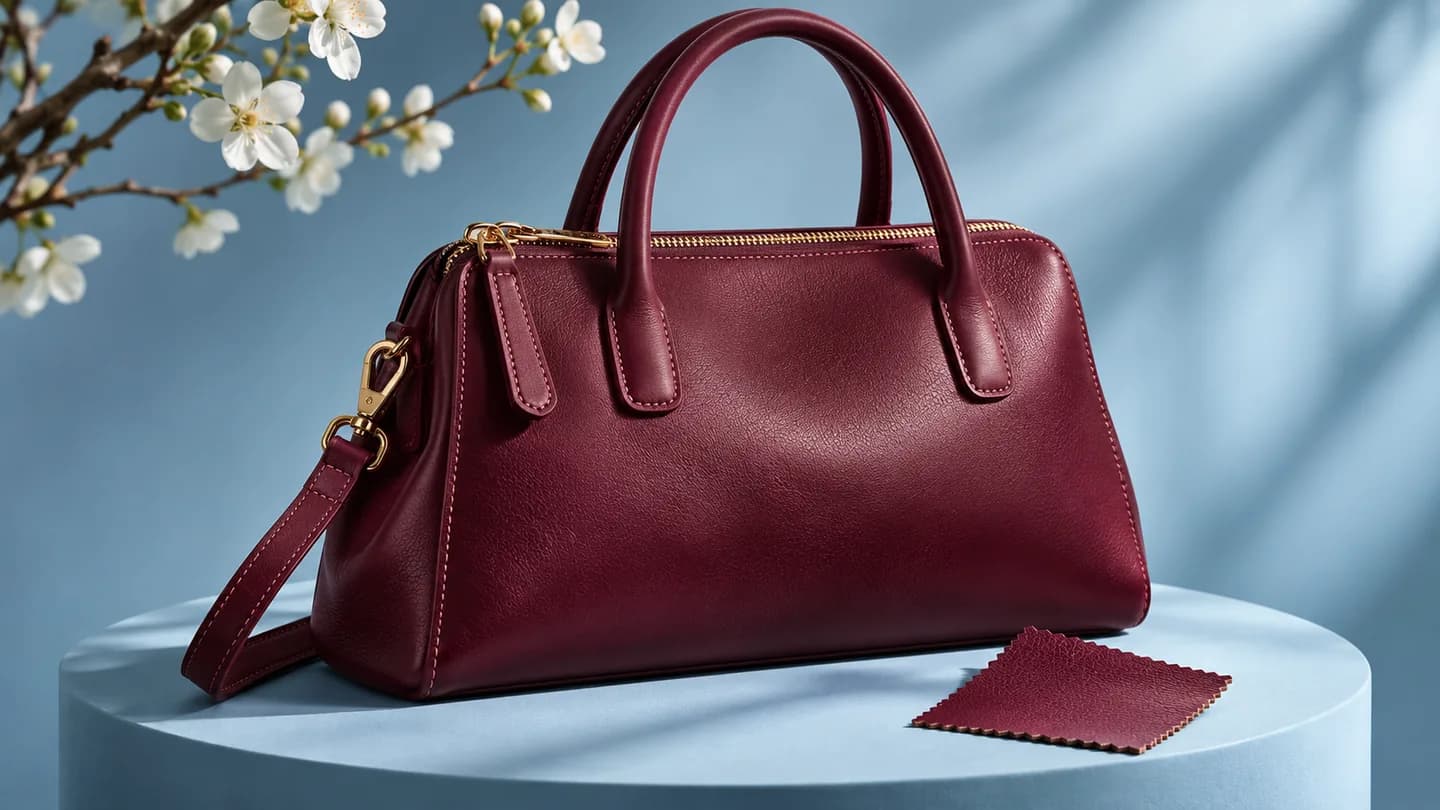
‘The photograph looks great. But that is not the garment we will sell.’ Good lighting and framing can still show the wrong finish, an earlier color or a detail changed after the shoot.
A fashion brand’s approval must answer two questions: does the photograph show the correct product, and is it ready for its intended placement? Waiting until layout can mean replacing images across several catalog pages.
Start with the garment reference
Before selecting a photograph, check its code, variant and view. Front, back and detail may seem obvious to shoot participants. Someone receiving the folder later cannot establish those relationships from names such as IMG_4821.
Include a short identifier with the review: ‘CAM-014, sand color, front, catalog selection’. If the working filename differs, retain a mapping that locates the original photograph.
Check what must be visible. A front photograph can look good but cannot verify a back print. Stitching may need another view. Include the images required for the decision.
Distinguish a selected photograph from a finished one
Selection accepts a framing or pose for the job. Retouching may remain pending. If both decisions arrive as ‘approved’, someone may lay out or publish an image that will still change.
State it clearly: ‘Selected for the opening page; final crop still needs checking’. The responsible person reviews the treated file in the next version. The decision should identify what was actually checked.
Name the included placements when there are several. Choosing a catalog photograph does not automatically confirm a campaign’s vertical crop.
Point to the retouching detail
‘Fix the crop’ could mean remove empty space, enlarge the product or change proportions. Mark the area and describe what must remain visible. In this example, the crop hides the top of a bag handle.
In Aproova, the comment stays connected to the image area. Attach the complete photograph with an instruction: ‘Keep the whole handle in the catalog crop. The attached reference shows the entire product’. The recipient sees the problem and reference together.
Retouching requests must respect the product. Removing a temporary background mark differs from erasing a garment feature. Confirm with the brand what the photograph must represent before changing a detail buyers will see.
What the video shows
The review shows a black bag with a cropped handle. The comment asks to retain the entire handle and includes the complete photograph as a reference.
Check the crop in its intended placement
The full photograph may work while the crop hides what matters. Check that embroidery, print, finishing or the information behind the choice remains visible.
When the layout is ready, submit that placement too. The team can assess the relationship between photograph, title and description. Reframing may solve the page without further treatment of the original image.
Screen color varies with devices and viewing conditions. If a specific product color determines the choice, agree on a reference and checking method with the team. Browser review locates the request; it does not certify physical color reproduction.
Return to the reference in the corrected version
Open the corrected file at the requested point. Does the crop now show the entire handle? Does it preserve the bag’s base and shape too? Inspect the surrounding area as well as the mark.
In Aproova, the new version can remain in the review history. Use the original comment to verify the request and record a decision on the reviewed file. If the photograph is already in the catalog, check the updated placement before release.
Questions people ask before setting up the workflow
Can I approve selection before retouching?
Yes. Record that the choice concerns framing or pose and identify what still needs checking in the retouched file.
Can the client show a reference in a comment?
Yes. Attach an image to the Aproova comment and explain which detail should guide the adjustment.
Does one approval cover catalog and campaign?
Only when those placements were reviewed. Assess the corresponding placement if its crop, overlaid text or treatment differs.
Continue with these guides

Two approvers disagree about the same artwork. How to move the review forward
One approver requests a change and another asks for the opposite. Record the conflict, identify who decides and avoid creating a version based on guesses.
Read guide
How to compare creative versions without relying on memory
Use side-by-side and overlay comparison to check changes before approving the final artwork.
Read guide
Catalog proofing checklist: review prices, pages and versions
Use a catalog proofing checklist to review product details, prices, images and page order. Includes sample feedback and a sign-off brief for your team.
Read guide