

Two approvers disagree about the same artwork. How to move the review forward
One approver requests a change and another asks for the opposite. Record the conflict, identify who decides and avoid creating a version based on guesses.
Written by the Aproova product team from the review flows we build and test in the application.
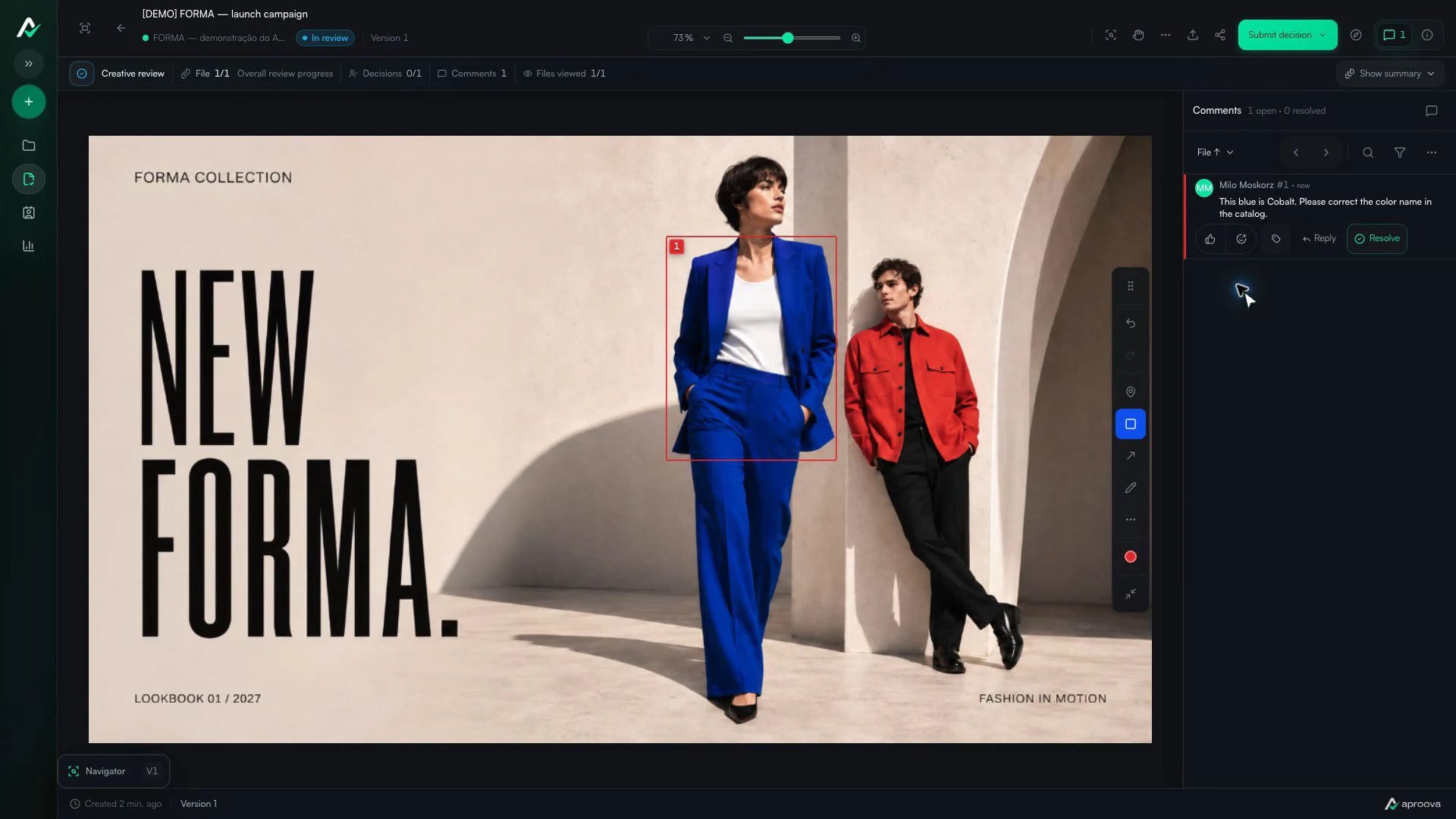
What the video shows
A rectangle marks the blazer. The comment asks for its color name to be corrected to Cobalt. Recorded in Aproova using a fictional fashion collection and test comments.
Sales wants a larger photo. Marketing wants more text in the same area. The creative team can follow one request or the other, but cannot do both without changing the composition. If it chooses alone, the next round starts with a discussion that could already have been settled.
Mutually exclusive comments mean a decision is still pending. The work improves when the conflict is visible beside the artwork and reaches the person who can set the priority.
Check whether the requests really conflict
Sometimes the comments address different goals that fit within one solution. Ask what each person needs to preserve: image prominence, clarity of the offer, price readability or compliance of a statement. Mark both points on the artwork and avoid vague summaries such as ‘align the layout’.
If the requests can coexist, record the agreed solution. If one sacrifices the other, describe that consequence in one sentence. The team needs to decide on the result, not on the personality of the person who commented.
Give the decision maker two options
Hypothetical example: option A keeps the large photo and reduces the copy to the main offer. Option B makes room for the full explanation and shrinks the photo. If the format requires mandatory text, state that constraint before the choice. Do not offer an unworkable alternative merely to create the appearance of choice.
One possible message: ‘The comments on the main area point in different directions. To keep the photo prominent, we need shorter copy. To keep all the copy, the photo needs less space. Which priority should guide the next version?’ Add a deadline and name the person who decides.
Record the decision and close the conflict
The designated person chooses a direction. The team marks the comments as resolved with a reference to that decision and prepares the next version. The person who requested the rejected option should be able to understand why it was left out; this prevents the same request from returning as if it were new.
If the responsible person cannot decide, a business detail may be missing. Pause that specific change and request the information. A long layout meeting cannot resolve an offer whose purpose is still undecided.
Use the next round to check the chosen result
In the next version, compare the affected area and ask reviewers to check the chosen result. Do not automatically reopen every campaign decision. This keeps the round focused and makes it clear whether the solution met the stated objective.
In Aproova, each comment can remain attached to an image area, PDF page or video moment. Versions and decisions stay in the same workflow. This organization helps locate the disagreement; the responsible people still need to set the priority.
Questions people ask before setting up the workflow
Should the creative team choose which comment to follow?
Only if that authority has been agreed. For incompatible requests, present options and ask the person responsible for the deliverable to decide.
Does conflicting feedback require a meeting?
Not always. A clear record of the conflict, options and responsible person can enable an asynchronous decision. Bring people together if context is missing or the consequences are greater.
What if the client changes priorities in the next version?
Record the new direction, assess its effect on deadline and scope, and request explicit approval of the resulting version.
Continue with these guides
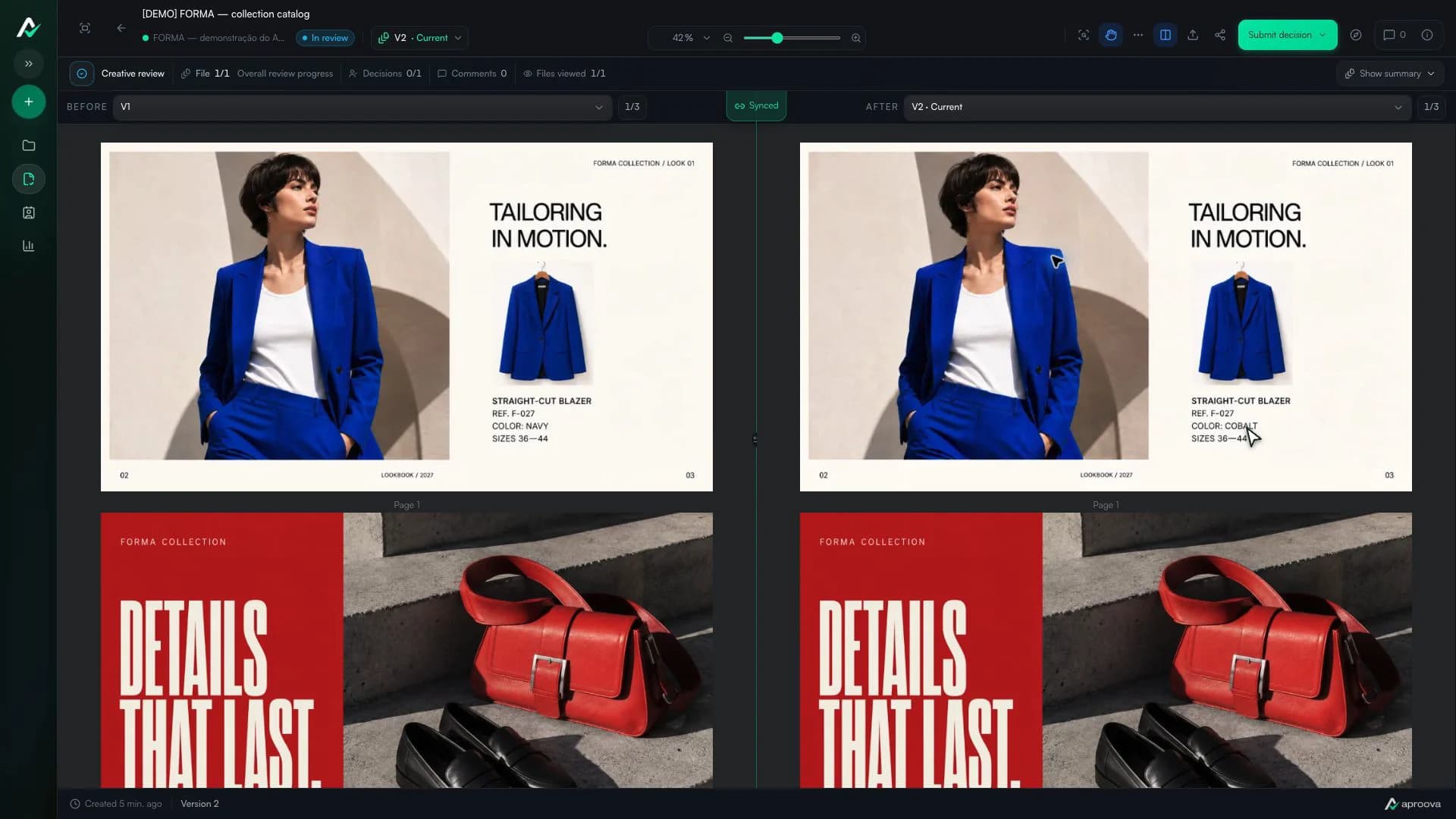
How to compare creative versions without relying on memory
Use side-by-side and overlay comparison to check changes before approving the final artwork.
Read guideHow to review a PDF with clients without scheduling another meeting
Use page-specific comments, clear versions, and one client link to review PDFs asynchronously.
Read guide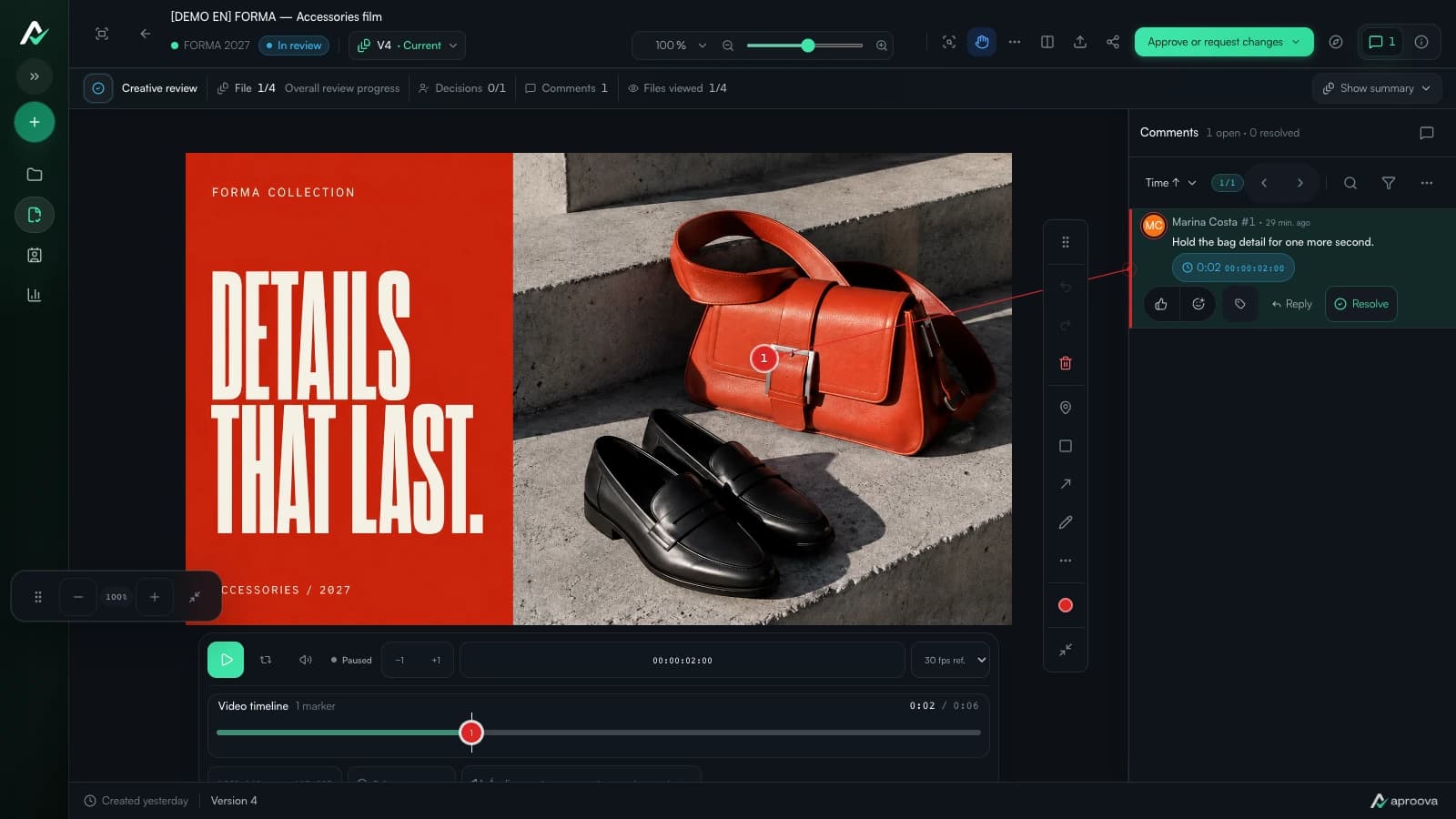
How to collect video feedback without chasing timestamps
A straightforward way to review video by frame, keep comments in context, and approve the right cut.
Read guide