

Approval platforms: language, client access and purchasing terms
Assess language, client access, versions, history and purchasing terms before choosing an approval platform.
Written by the Aproova product team from the review flows we build and test in the application.
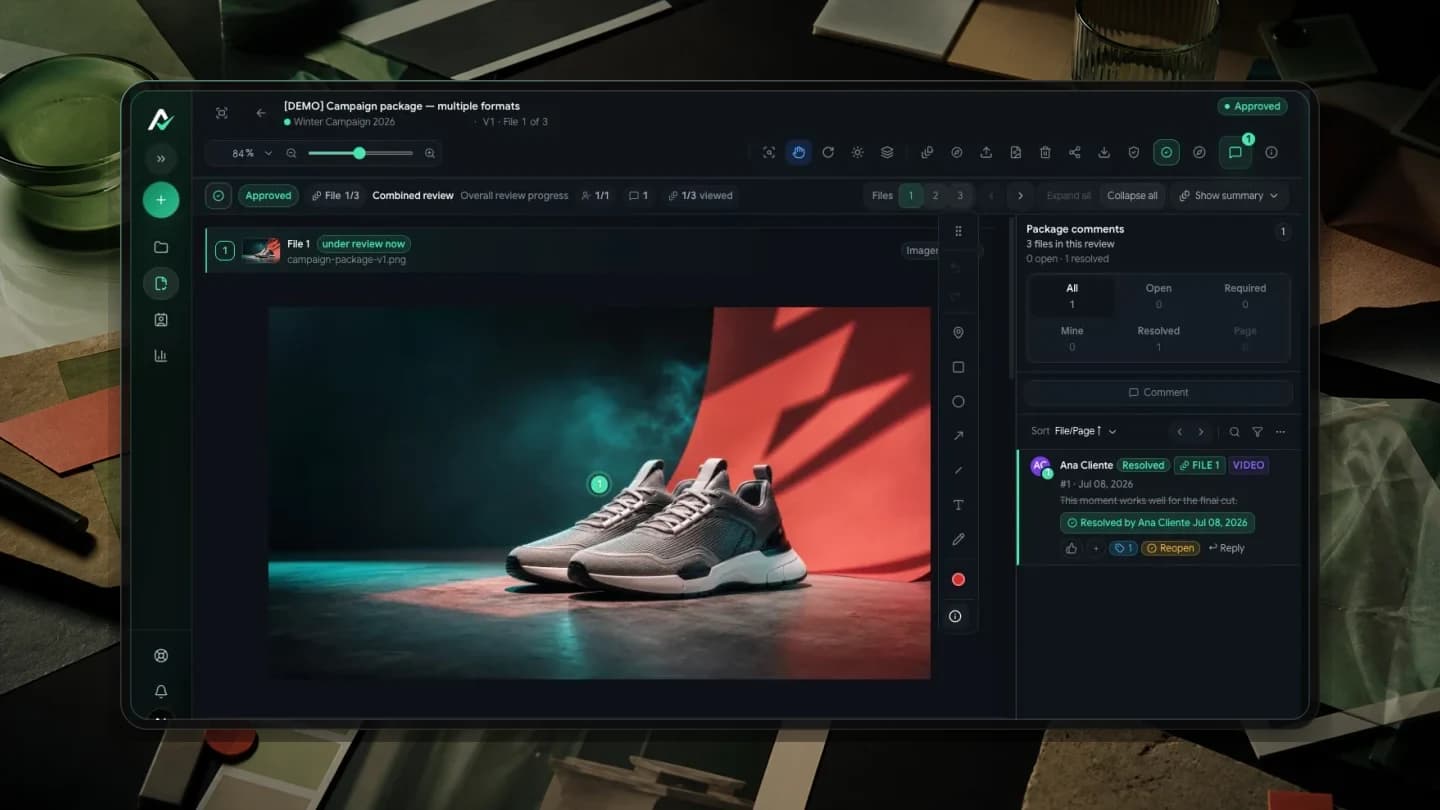
A feature list does not show whether a client can open a review and reach a decision. Start with the work that needs reviewing and the people taking part.
Then check language, client access, versions and purchasing terms. Walk through those steps together: a tool can meet one requirement in isolation and still make everyday work difficult.
This guide sets out criteria for testing a platform before changing your process. The supplier's country alone does not determine whether it fits your team.
List reviewers' languages and requirements
Identify internal reviewers and the client's decision maker. Record the languages needed, file formats and any contractual requirements concerning access or tool use.
For accounts involving teams in different countries, test each participant's experience. A translated interface does not establish that messages, notifications and links arrive in the expected language. Check the actual journey before subscribing.
Check currency, billing period and limits
Check the currency, billing period and limits in the proposal. For a foreign-currency charge, account for conversion to your operating currency. Verify who can upload files, how many projects can remain active and which actions require another plan.
Compare current proposals using the same number of people and projects. Consult Aproova's pricing page for applicable prices, currencies and terms. This guide does not lock in prices or promise limits that may change.
Test the client's language and access
Clients may enter a review less often than your team. Observe whether they understand the buttons, find the correct material and comment without help. Check the language of the messages and notifications they receive too.
Aproova offers Portuguese, English, Spanish, French and German. Browser participation depends on the review's access rules and the participant's role. Reviews configured for link access may allow participation without an account; private reviews may require identification or login.
Walk through the full workflow with a real file
Upload the asset, send the link, open it on mobile, comment on the artwork, submit a new version, compare it with the previous one and record a decision. Check which actions the proposed plan includes and whether the history explains the round later.
Include your usual formats: multipage PDFs, video comments at a precise time and version comparison. Check who decided, when and on which version. The record helps clarify what was reviewed, but does not replace the project's scope or agreements.
Include the cost of switching
If a contract requires a particular tool or the current process already serves reviewers, switching needs a concrete reason. List the problem to solve and the work required to migrate files, guide participants and adjust integrations.
Include Aproova in the trial when its features and languages match your operation. A change makes sense when it addresses a need and its cost fits the project. The tool's nationality does not decide that on its own.
Test one campaign before moving the team
Choose a small campaign, upload its assets, send a review link and follow the response through to a decision. Check current starting and trial terms on the pricing page before choosing a plan.
Compare with the previous process: how many rounds were needed, how long the decision took and which questions required discussion outside the review. Record missing features and integrations too. Those observations help determine whether the change fits the operation.
Questions people ask before setting up the workflow
Where should I start when choosing an approval platform?
Start with your everyday files, participants and decisions. Test a complete review and check language, access, versions, history, limits and integrations in the plan being considered.
How much does Aproova cost?
Consult the pricing page for current prices, currencies, limits and terms. Compare proposals using the same number of people and projects.
Does my client need an account to approve?
It depends on review access settings and permissions. Link access may allow participation without an account; a private review may require identification or login. Check those rules before sharing.
What if approvers use different languages?
Aproova offers Portuguese, English, Spanish, French and German. Test each participant's journey, including received links and messages, in the expected language.
Continue with these guides
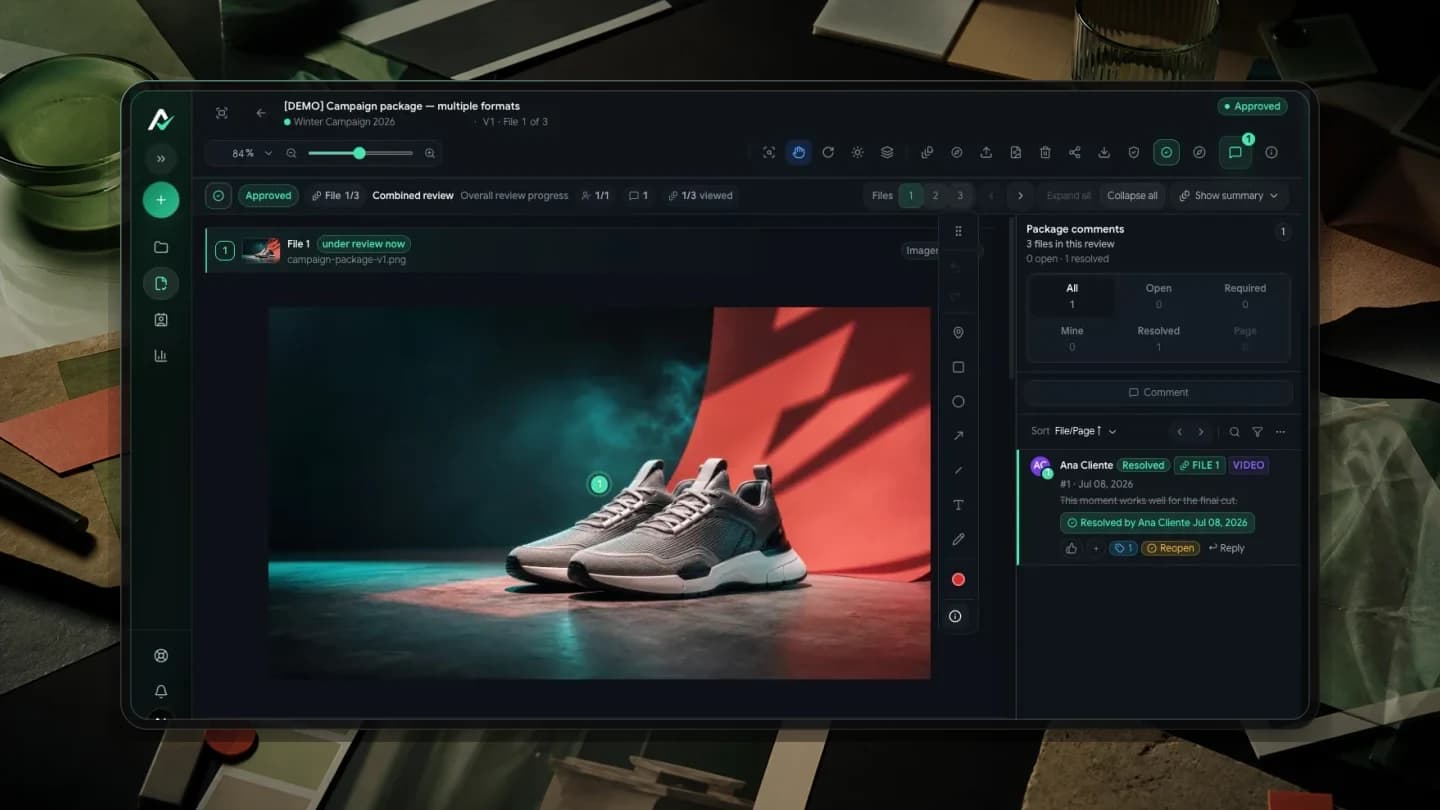
The client will not approve the artwork: what to check before another revision
Investigate unclear criteria, missing decision authority and unanswered questions before revising again. Define responsibilities, revision rounds and feedback on the asset.
Read guide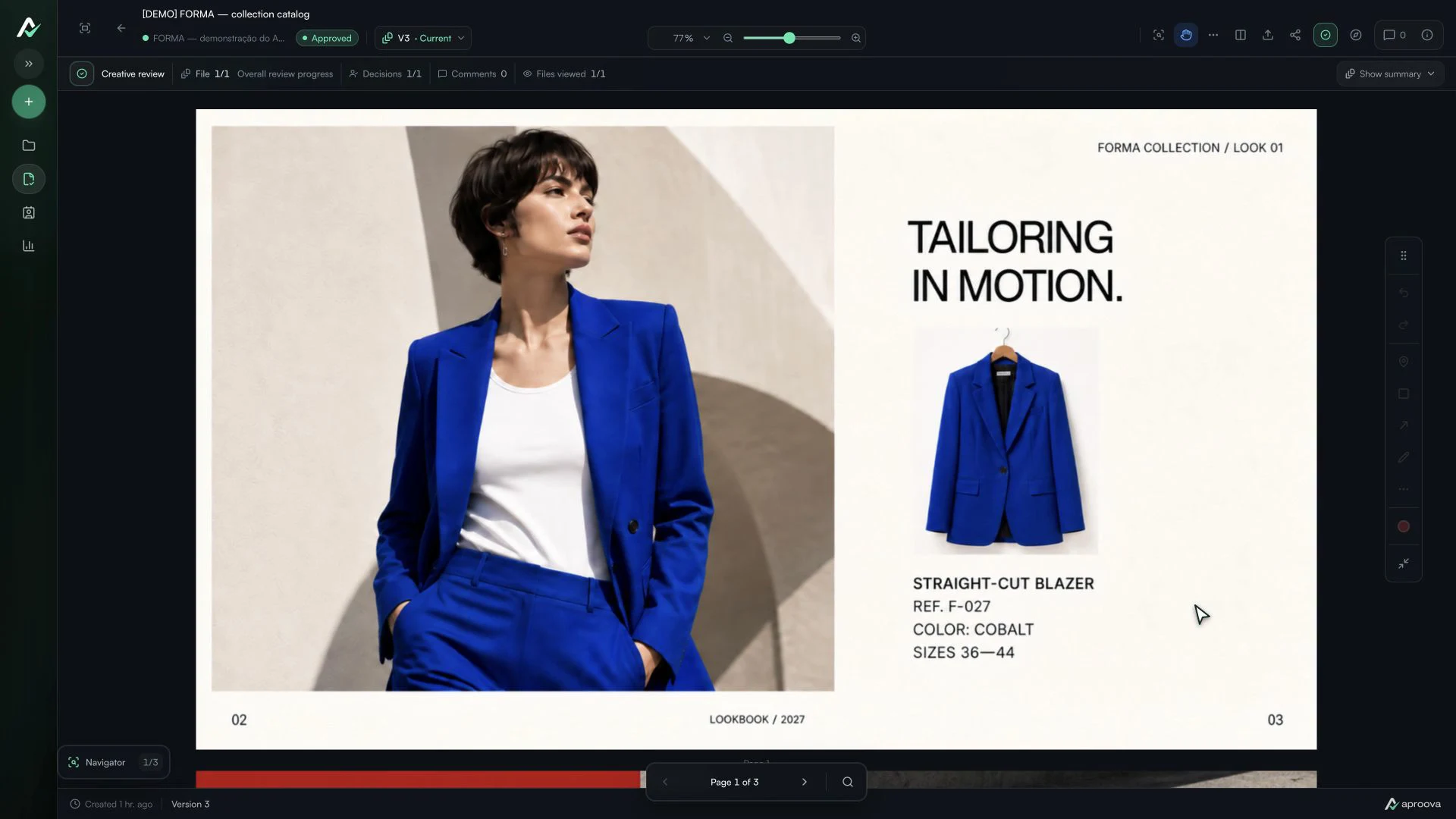
The client approved the artwork, then requested a change. Which decision applies?
Handle a change requested after approval, identify the authorized version and record a new decision without losing the history.
Read guide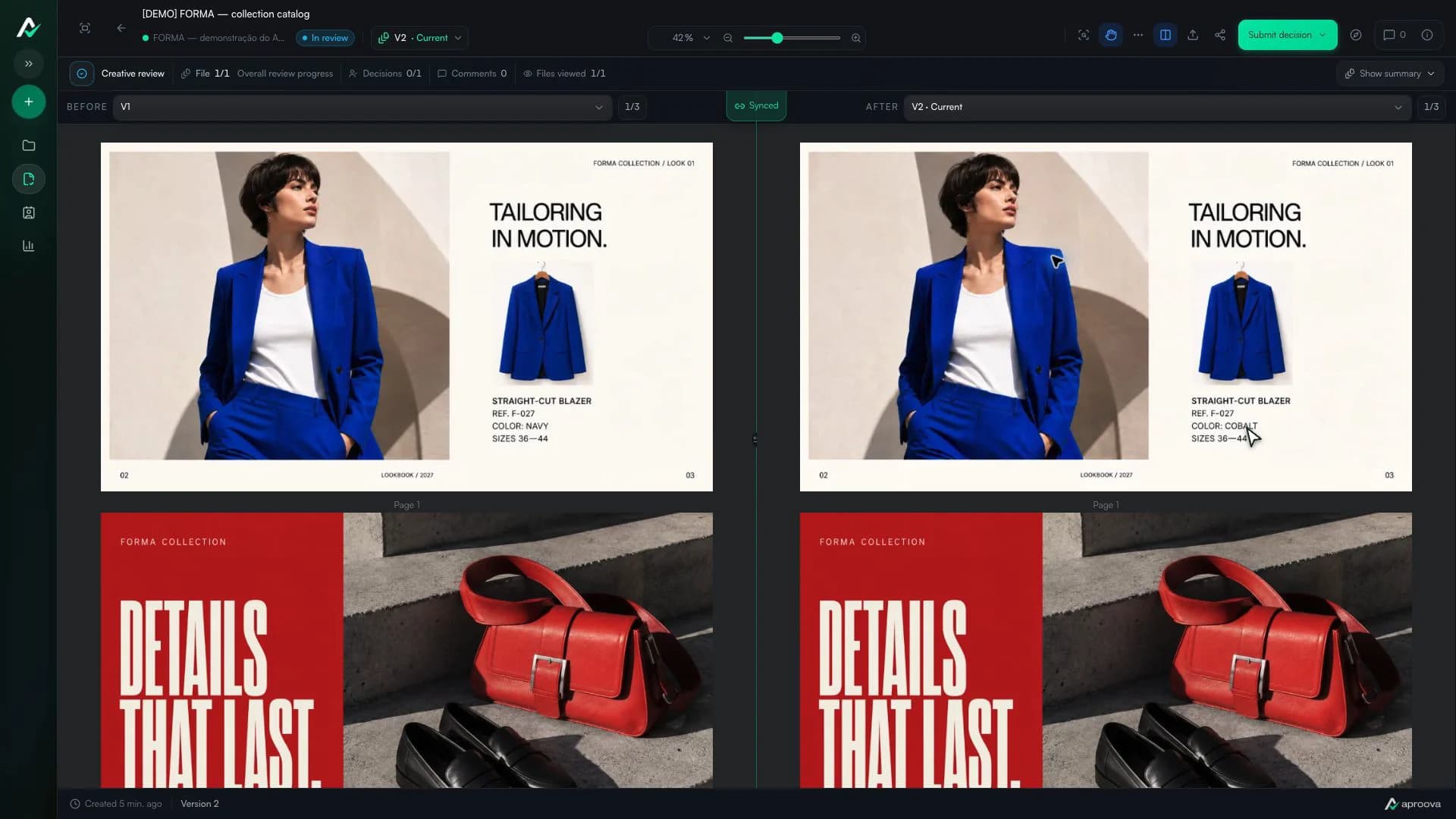
How to review a PDF with clients without scheduling another meeting
Use page-specific comments, clear versions, and one client link to review PDFs asynchronously.
Read guide