

Mobile access
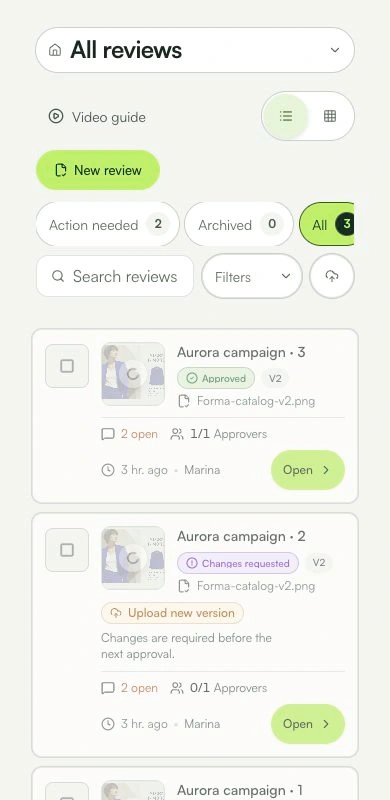
Open, comment, and decide on a small screen without losing context.
You can open, comment, and decide on mobile within your permissions.
Learn with an example
One action at a time.
Open, comment, and decide on a small screen without losing context.
Step 1
Open the review from its link or the app list and check the file and version.
Step 2
In the bottom bar, use Artwork to return to the file, Mark to annotate, and Comments to read the conversation.
Step 3
Use the zoom controls to inspect a detail. Return to Artwork when the panel covers the material.
Step 4
Tap Mark, choose a tool, and mark the location on the artwork. Write the comment and check the marker before posting.
Step 5
To make a decision, open the approval action available for your role. Check the result before confirming.
What you can do
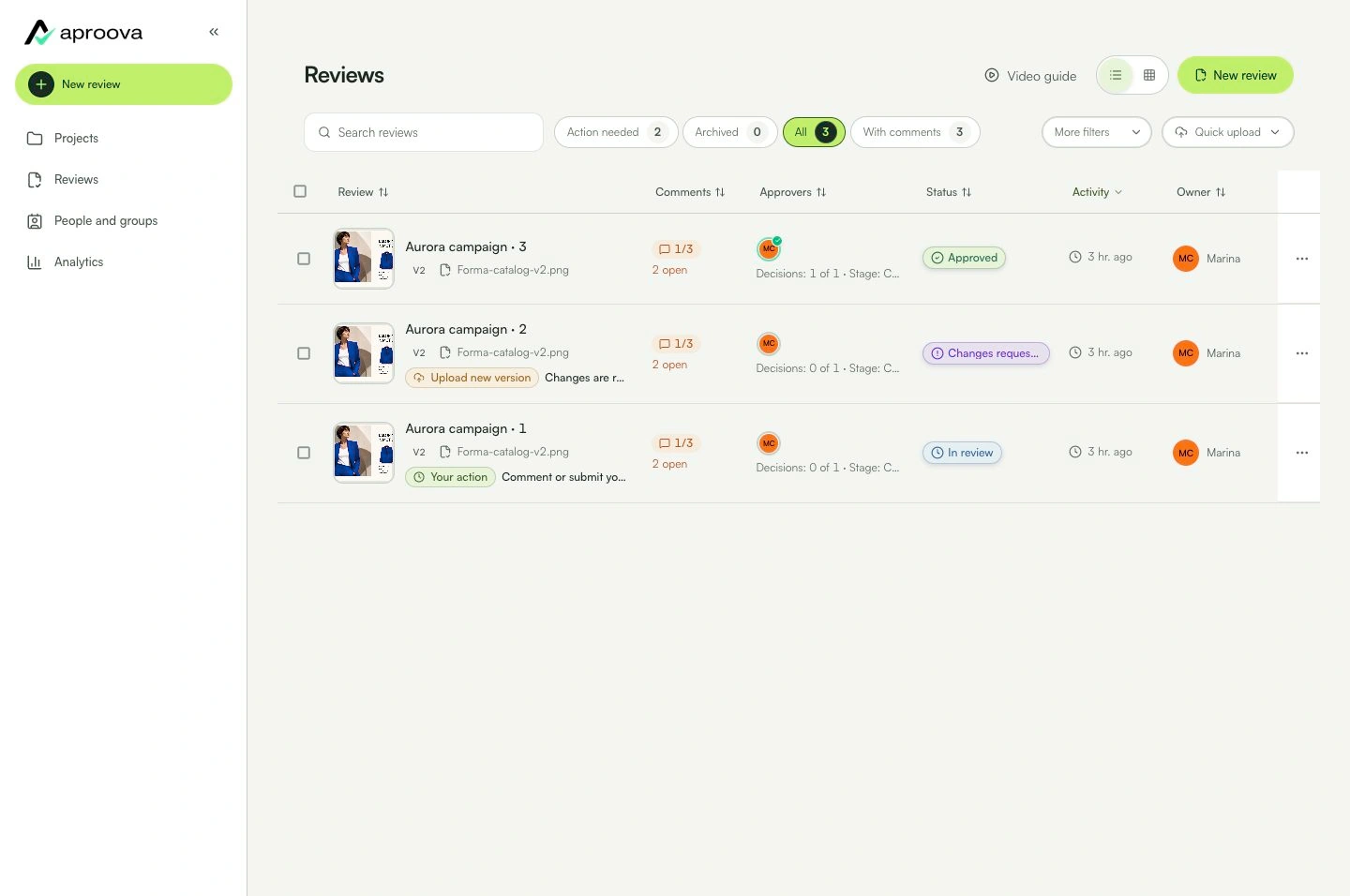
You can open, comment, and decide on mobile within your permissions.
Check these details
What do I need before I start?
- An up-to-date browser.
- A valid session or review link.
How do I know I’m done?
You can open, comment, and decide on mobile within your permissions.
Something didn’t work. What should I check?
- If the keyboard covers a button, close it or scroll the card.
- Close open panels when a control is hidden.
- Large files may require a stable connection.
Continue your review
Mobile access
Open, comment, and decide on a small screen without losing context.