

Aproova
Comments and replies
Add feedback to the right version of the work.
In practice
The comment appears in the history with its author and version.
See it in Aproova seconds
Learn with an example
One action at a time.
Add feedback to the right version of the work.
Step 1
Open the review.
Step 2
Confirm that you are viewing the current version.
Step 3
Open the comments area.
Step 4
Write clear, specific feedback.
Step 5
Post the comment.
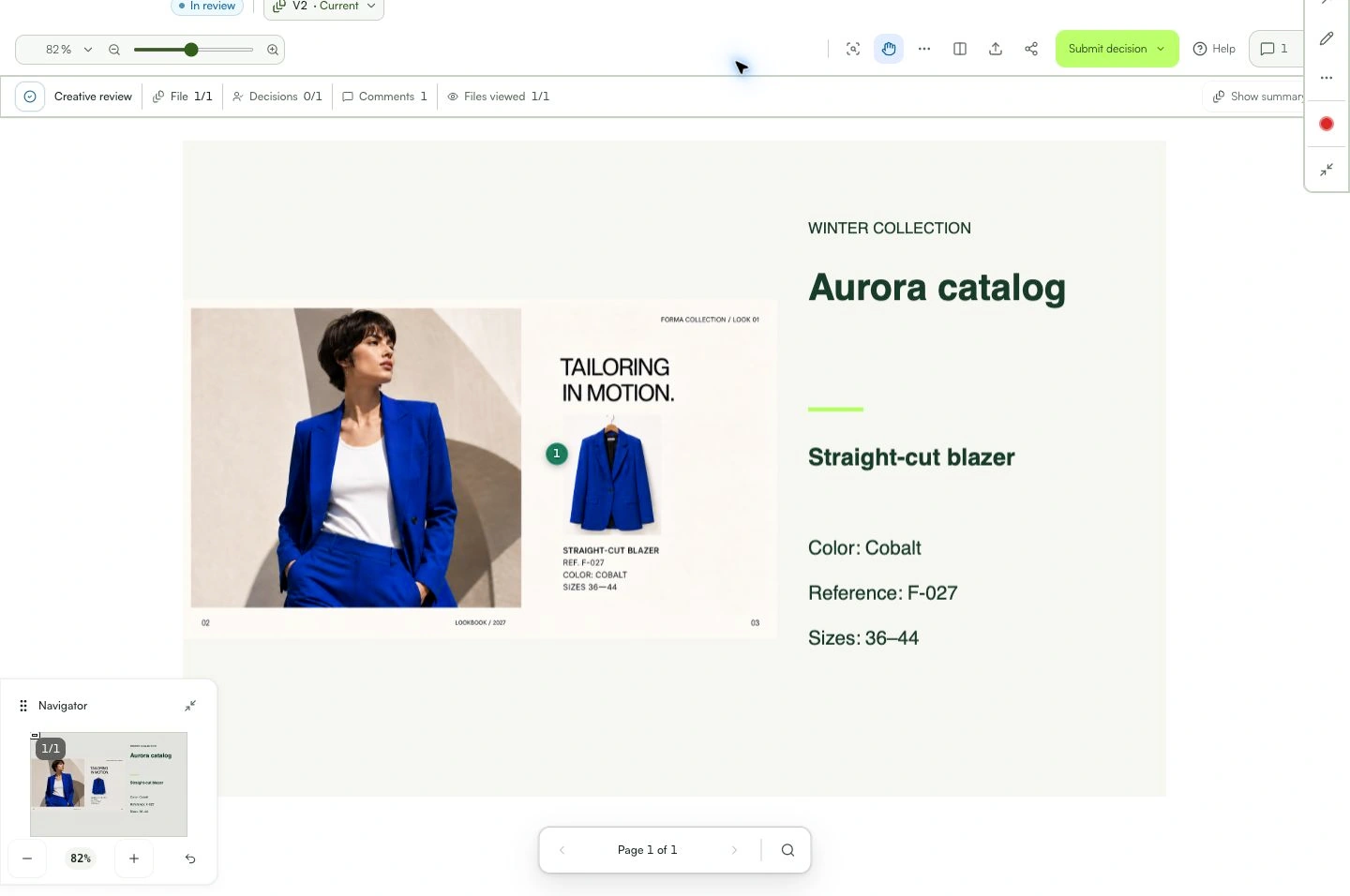
What you can do
The comment appears in the history with its author and version.
Check these details
What do I need before I start?
- Valid review access.
- Permission to comment.
- The correct version open.
How do I know I’m done?
The comment appears in the history with its author and version.
Something didn’t work. What should I check?
- Confirm the version before commenting.
- If the button is unavailable, check your permission.
- Avoid vague feedback: describe what should change.
Continue your review
Comments and replies
Add feedback to the right version of the work.