

Email correction
Fix a mistyped email across reviews and groups in the same workspace without rebuilding each assignment.
The affected assignments use the correct email.
Learn with an example
One action at a time.
Fix a mistyped email across reviews and groups in the same workspace without rebuilding each assignment.
Step 1
Open the people and groups page and find the incorrect email. Use the pending invitations filter if needed.
Step 2
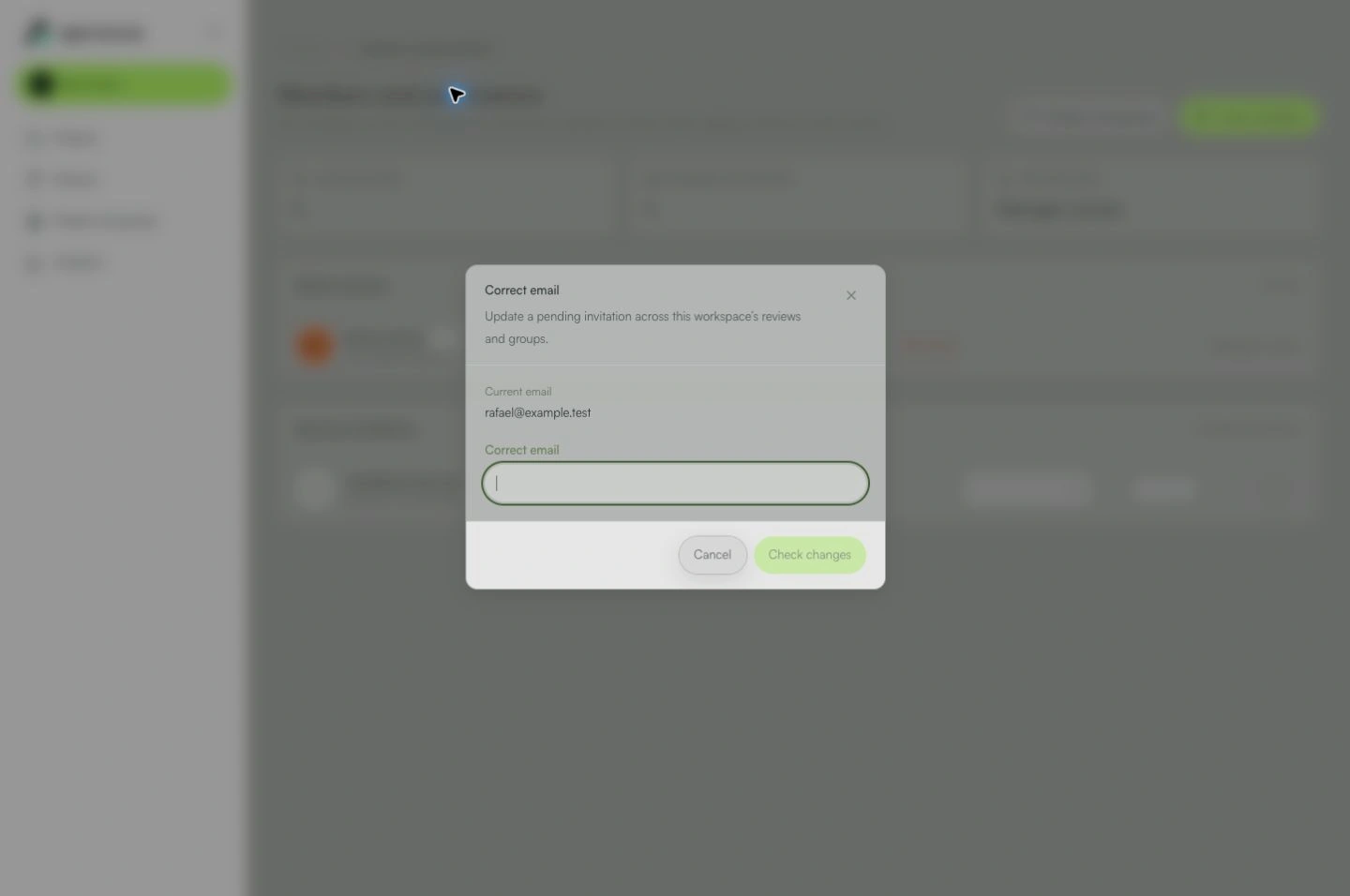
Open the person’s actions menu, choose Correct email and enter the correct address.
Step 3
Select Check changes. Verify both addresses and the number of affected reviews and groups.
Step 4
Select Confirm correction when the preview is correct. Roles and permissions are preserved in this workspace.
Step 5
Ask the person to sign in with the correct email and accept the invitation. Get a new personal link before sharing one: old personal links are invalidated.
What you can do
The affected assignments use the correct email. No email is sent automatically.
Check these details
What do I need before I start?
- You must be the workspace owner or an administrator.
- This applies to pending reviewer invitations without a confirmed account or participation history.
How do I know I’m done?
The affected assignments use the correct email. No email is sent automatically.
Something didn’t work. What should I check?
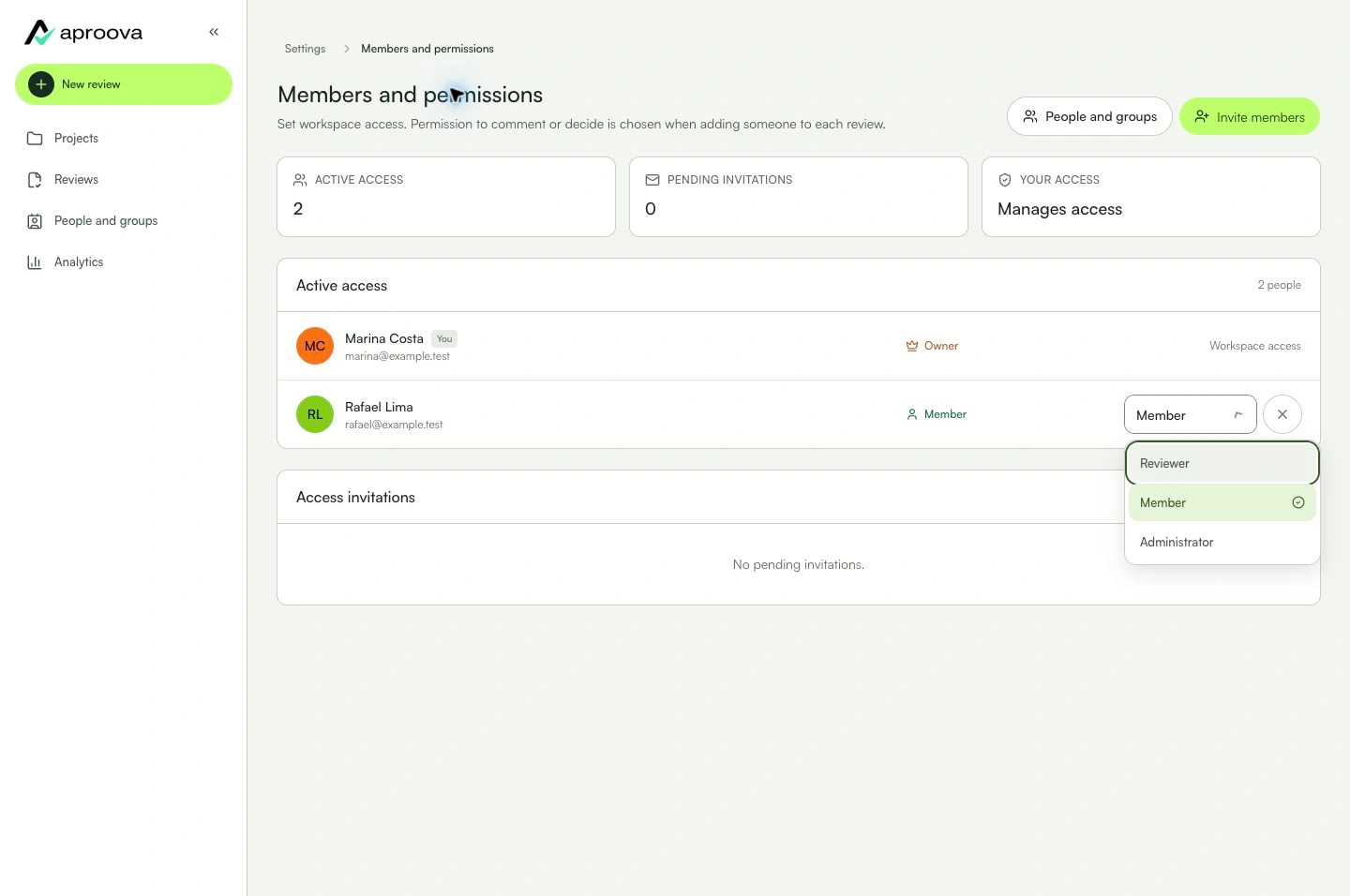
- Missing action? Check your permissions and whether the reviewer invitation is still pending.
- A confirmed account, participation history, direct project access or a conflicting identity requires support. Do not delete history to enable correction.
- If assignments change during the preview, check changes again before confirming.
- This affects this workspace, not the global email of an active account.
Continue your review
Email correction
Fix a mistyped email across reviews and groups in the same workspace without rebuilding each assignment.