

Creative approval checklist before releasing a campaign
Check the file, version, outstanding comments and decision before approving a campaign, PDF, video or set of assets.
Written by the Aproova product team from the review flows we build and test in the application.
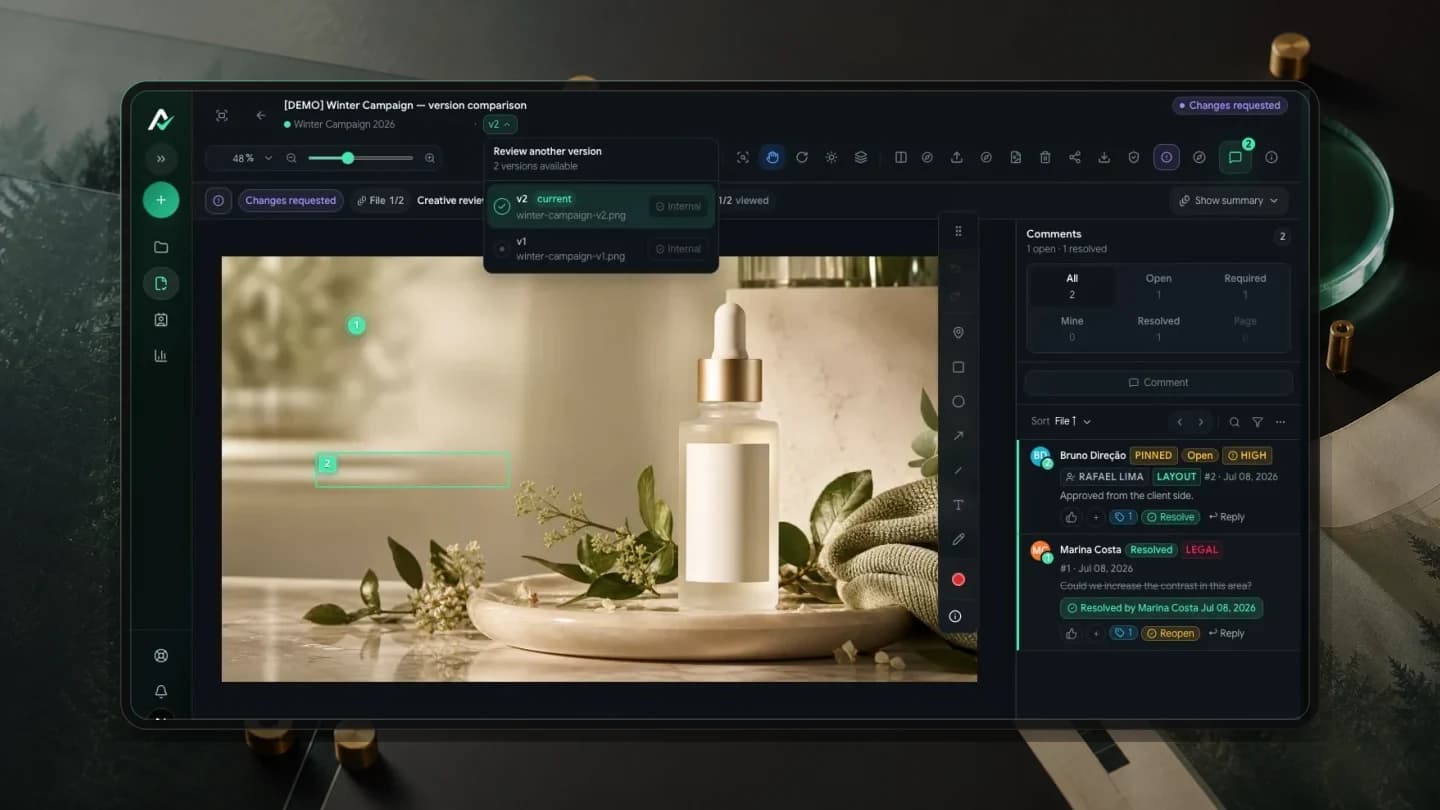
A useful checklist does not try to cover everything. It prevents the mistakes that cost you.
In creative approval, those mistakes are often simple: publishing the wrong version, overlooking an open comment or releasing material that still needs someone's decision. This checklist works for campaigns, PDFs, videos and social content packages.
Download the editable campaign release checklist
The free template covers responsibilities, each asset's version, checks before sending and the final decision record. Download the English DOCX without signing up and fill it in with your document editor.
Duplicate the fields for each file or adaptation. Approval of one asset does not release the rest of the campaign, and a change request does not automatically approve the corrected version.
1. Is the current version clear?
Before asking for approval, confirm that everyone is looking at the same version. Scattered links to v1, v2 and v3 increase the chance of confusion.
In Aproova, the review identifies the current version and keeps the history available for reference. That reduces the manual comparison nobody wanted to do at the end of the day.
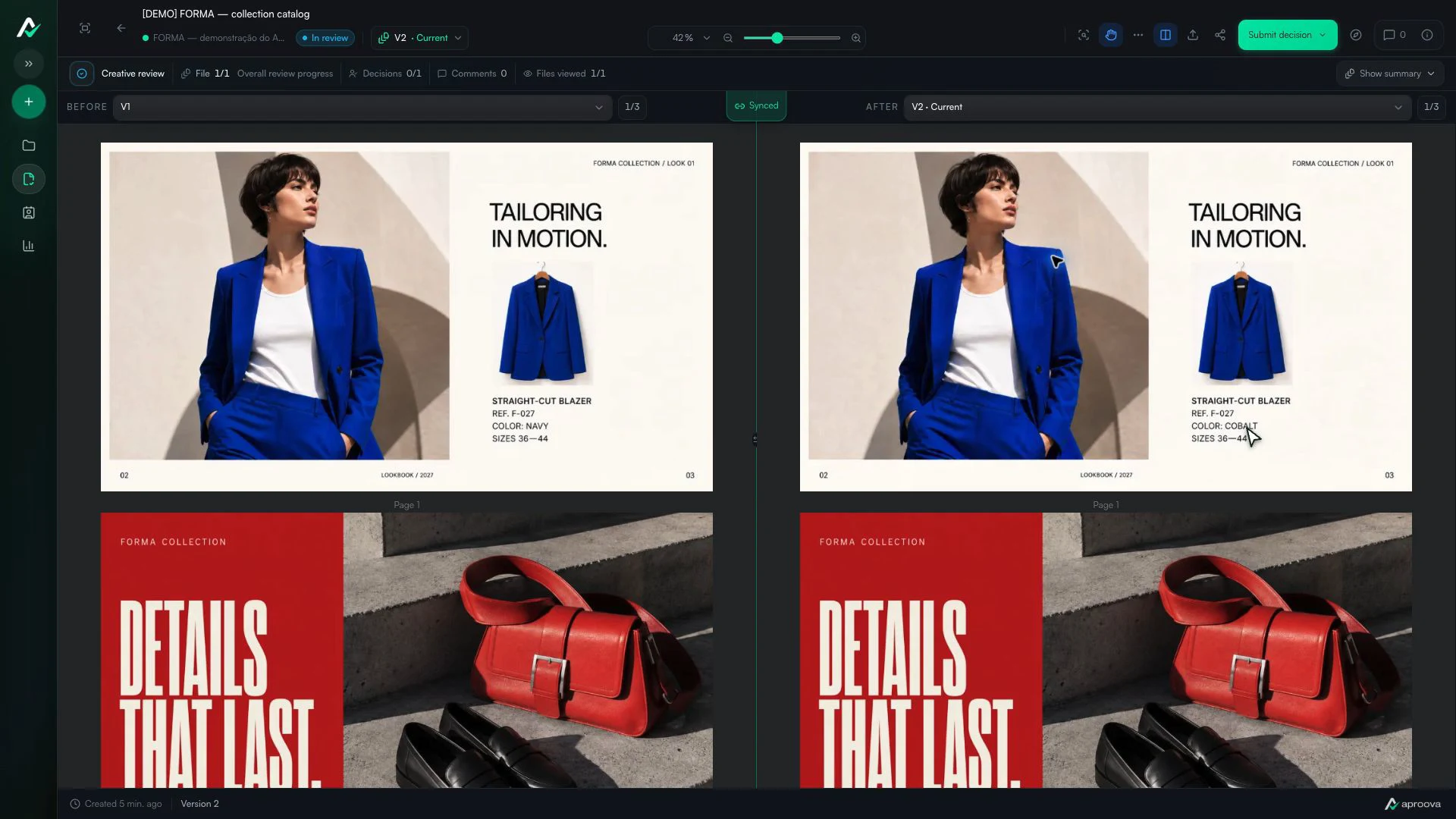
What the video shows
Versions 1 and 2 appear side by side. The color name changes; reference F-027 and sizes 36–44 stay the same. Recorded in Aproova using a fictional fashion collection and test comments.
2. Are there still open comments?
An open comment is not necessarily a minor detail. It may concern required wording, a price, a logo, a deadline or a format.
Approval should proceed only after important comments have been resolved or recorded as changes that must be completed before release.
3. Is the decision-maker part of the workflow?
Campaigns often stall because everyone reviews but nobody decides. Define who can approve before sending the link.
For an external client, keep the path short: link, file, comment, decision. Configure the appropriate access so they can review without lengthy training.
4. Does the content work outside the design editor?
Review the asset in its intended format. Text may fit in the editor and be cut off in a story. A table may be accurate in the PDF and unreadable on a phone. The final check needs to consider the destination.
For video, watch with sound and without it. For a catalog, go through every page. For a campaign package, check that price, date and brand information are consistent across formats.
5. Does the decision say what may happen next?
‘I like it’ does not say whether the campaign can be published. The decision must state whether the material is approved, has conditions to satisfy or needs another version. Record any conditions and check them before release.
If approval covers only part of the package, record that scope. An approved post does not automatically approve the video in the same campaign.
Use the checklist to stop mistakes, not just tick boxes
If a check finds an outstanding requirement, the campaign should not move forward just because the deadline is close. The checklist exists to reveal the risk before publication.
When everything is ready, it also removes uncertainty at the end of the process. The team knows which file to use and can return to the record if a question comes up later.
Questions people ask before setting up the workflow
Who should complete the final checklist?
The person responsible for delivery can check the operational items. The decision remains with the person authorized to approve.
Should resolved comments be deleted?
No. Keeping them marked as resolved preserves the history and shows what was checked in the next version.
Can I approve with an open comment?
Some questions may not block publication. Mandatory changes and legal or content errors must be resolved, or their handling explicitly decided by the responsible person before approval. An open requirement is not automatic permission to publish.
Continue with these guides
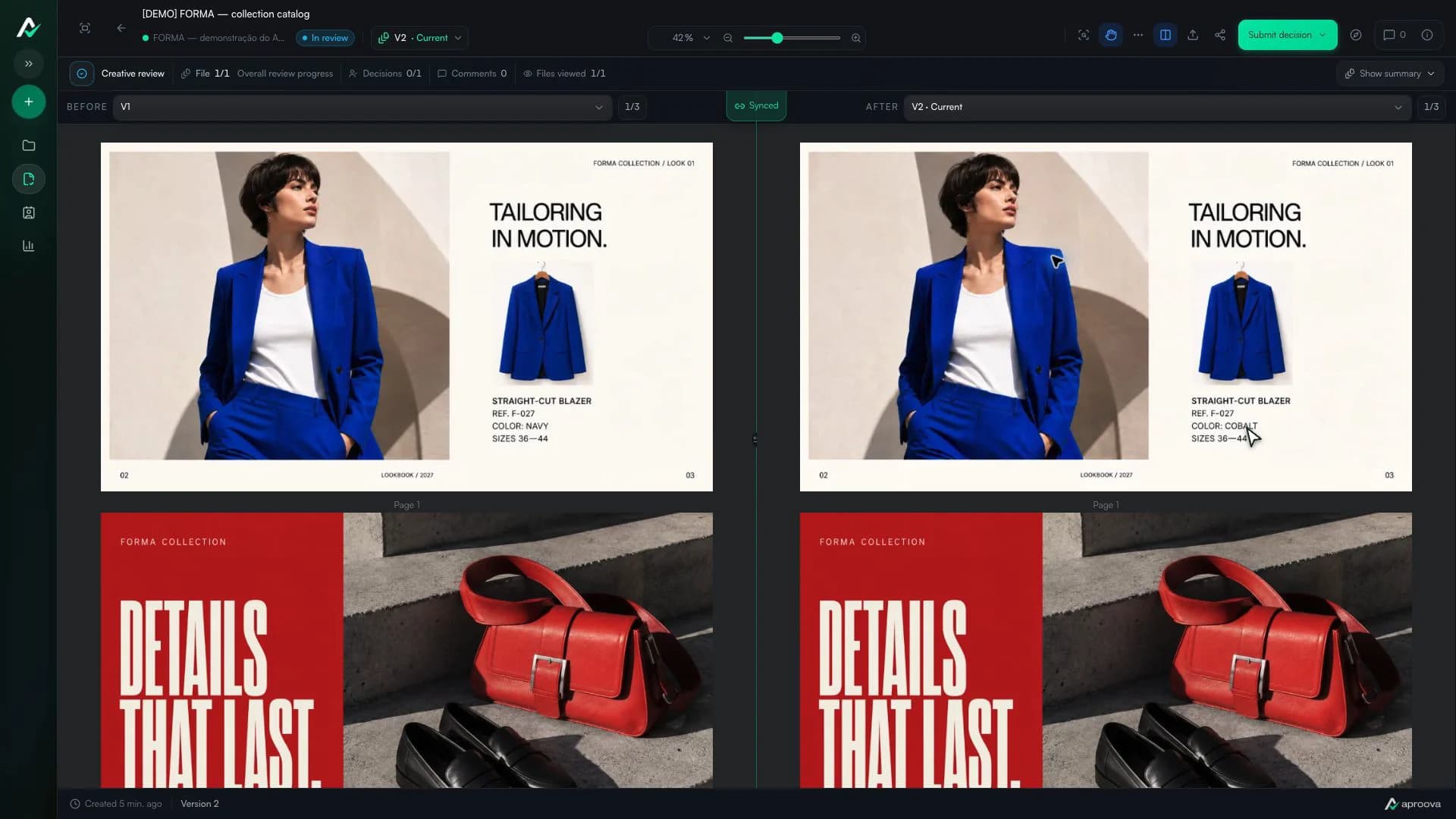
How to compare creative versions without relying on memory
Use side-by-side and overlay comparison to check changes before approving the final artwork.
Read guide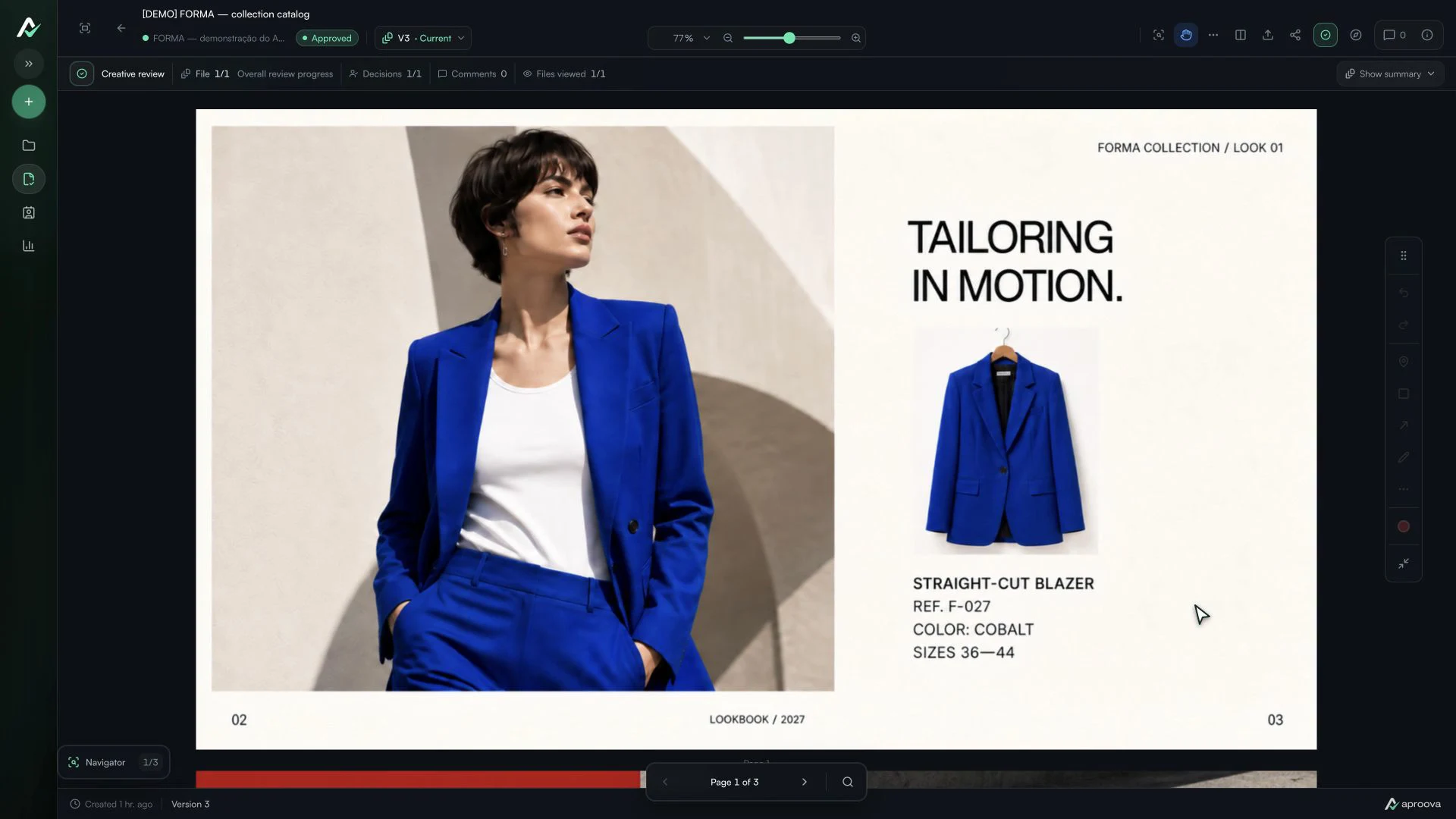
The client approved the artwork, then requested a change. Which decision applies?
Handle a change requested after approval, identify the authorized version and record a new decision without losing the history.
Read guideHow to review a PDF with clients without scheduling another meeting
Use page-specific comments, clear versions, and one client link to review PDFs asynchronously.
Read guide