

Stage templates
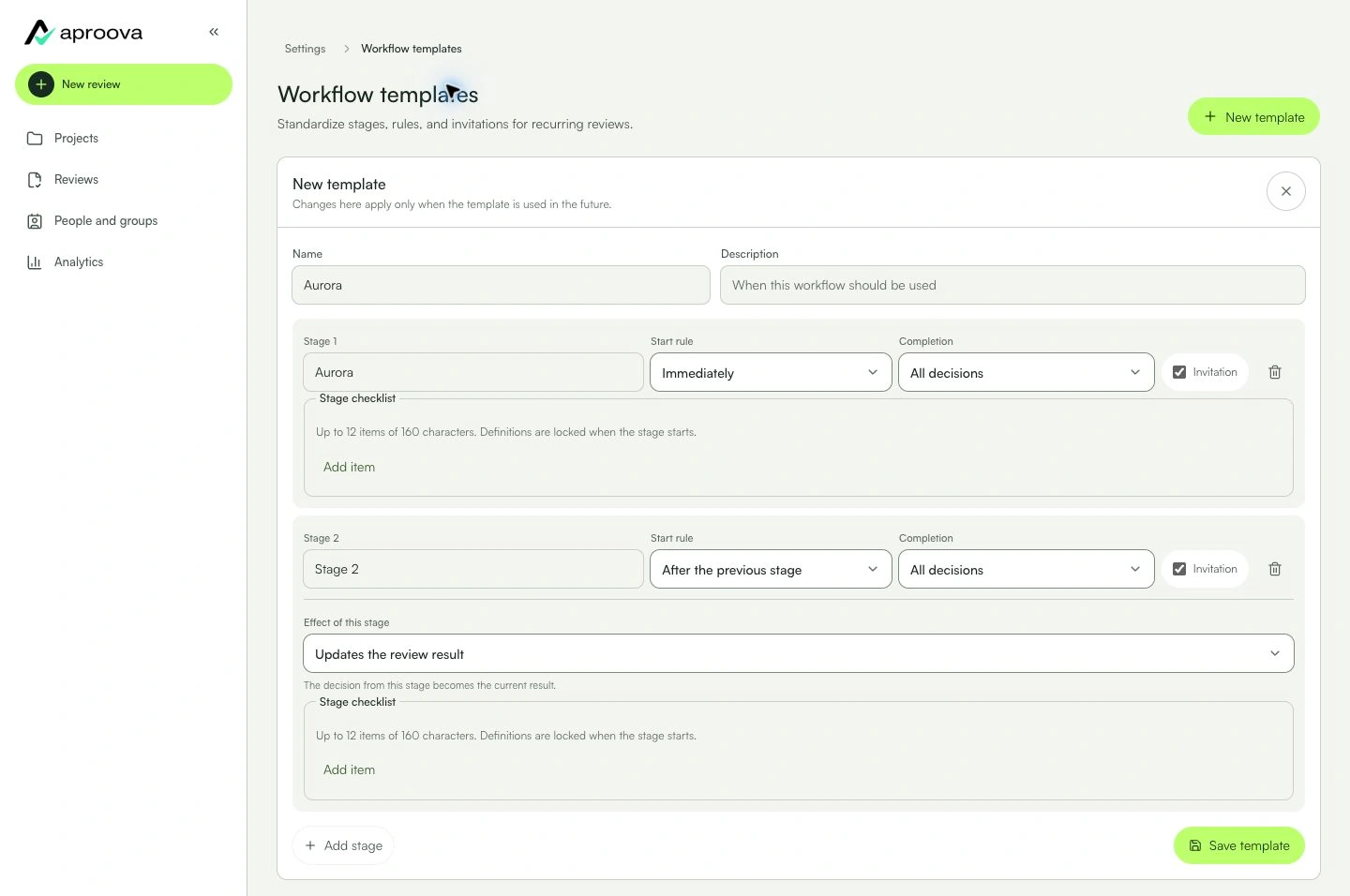
Start from a ready-made sequence and change only what your process needs.
The review uses ready-made stages with participants and rules checked before sending.
Learn with an example
One action at a time.
Start from a ready-made sequence and change only what your process needs.
Step 1
While creating the review, open the stage settings.
Step 2
Choose a template that matches the process.
Step 3
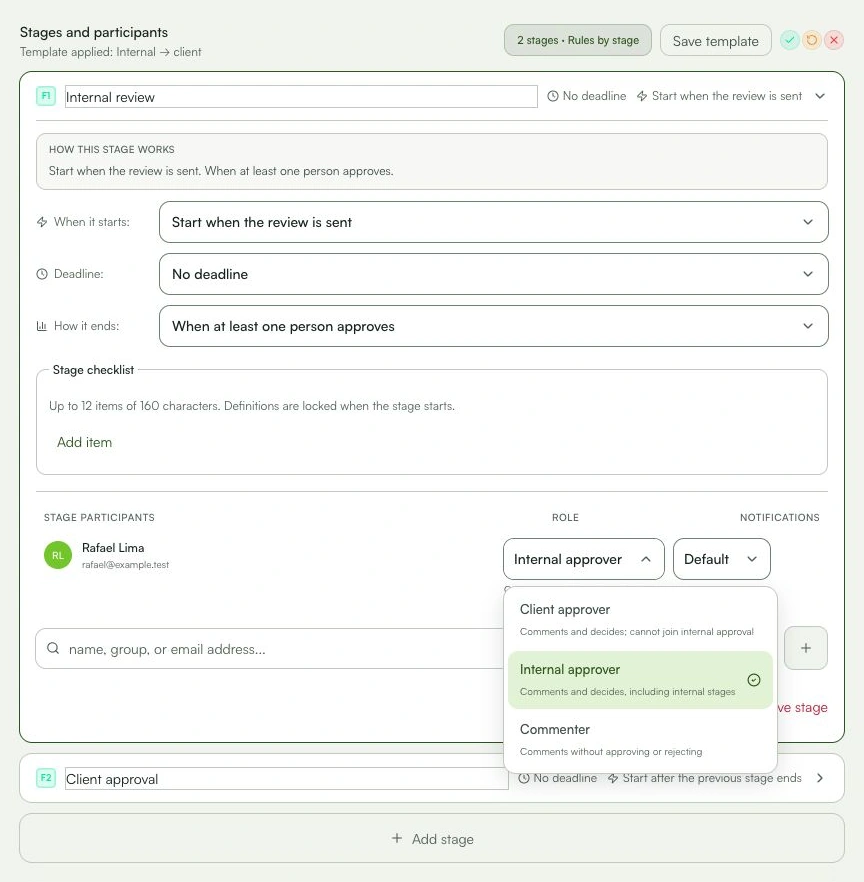
Check the stage names and sequence.
Step 4
Add participants and choose who comments or decides.
Step 5
Review each stage deadline and completion rule.
Step 6
Save the review. If this sequence is recurring, save a workspace template too.
What you can do
The review uses ready-made stages with participants and rules checked before sending.
Check these details
What do I need before I start?
- Permission to create reviews.
- A new review or access to Templates in settings.
How do I know I’m done?
The review uses ready-made stages with participants and rules checked before sending.
Something didn’t work. What should I check?
- A template is a starting point; check participants before sending.
- Add stages in the order they should happen because drag-to-reorder is not available.
- Template options may vary by plan and role.
Continue your review
Stage templates
Start from a ready-made sequence and change only what your process needs.