

Aproova
Project tracking
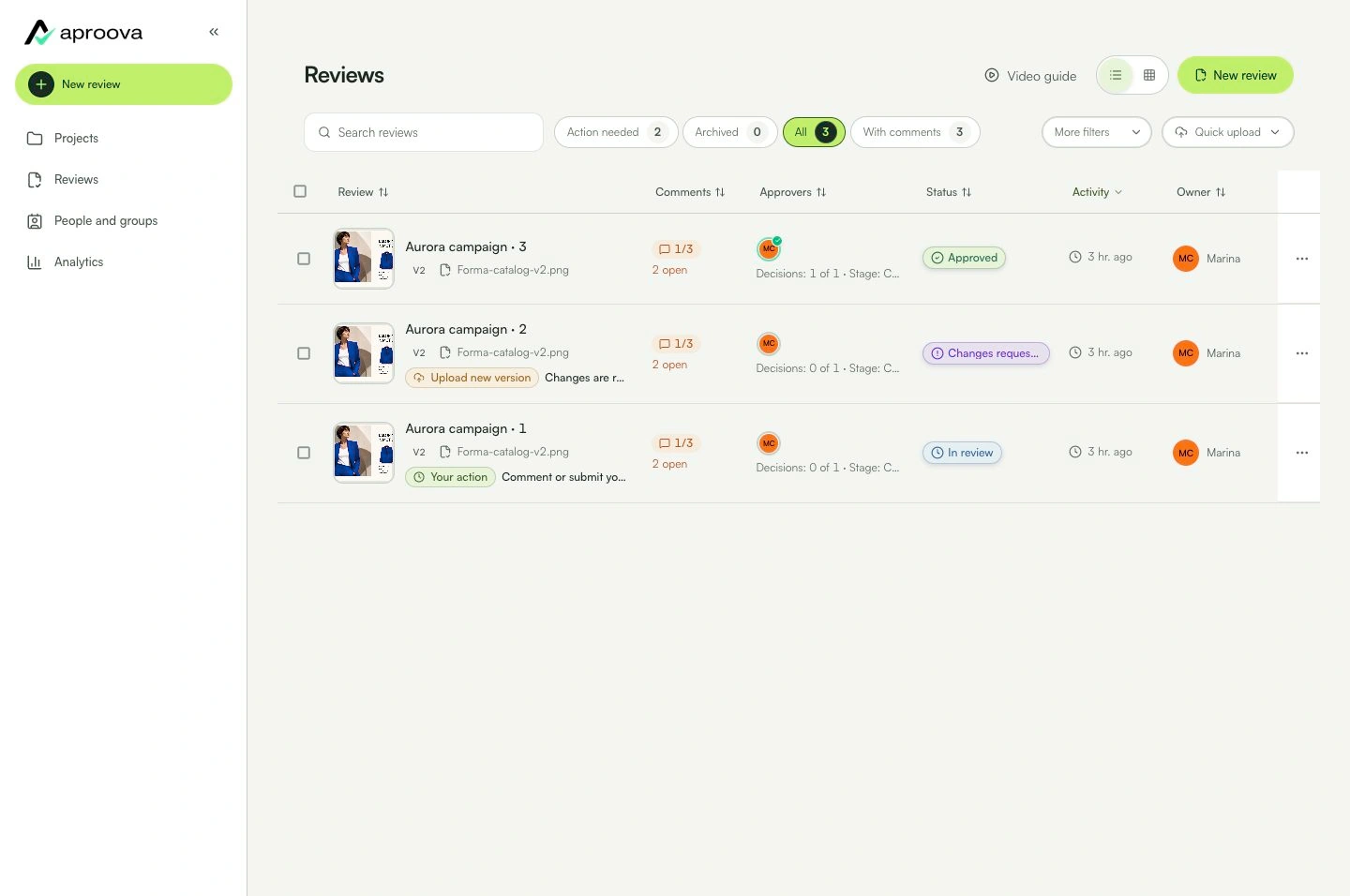
Find reviews that need action and see their current stage.
In practice
You find the next task without searching old messages for links.
See the context in the app
Learn with an example
One action at a time.
Find reviews that need action and see their current stage.
Step 1
Open “Projects”.
Step 2
Choose the project.
Step 3
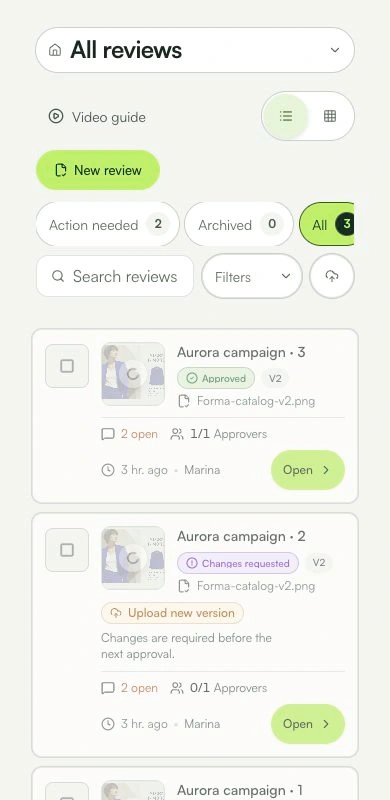
Check the review, stage, deadline, and available owners.
Step 4
Use filters to find pending items.
Step 5
Open the review that needs action.
What you can do
You find the next task without searching old messages for links.
Check these details
What do I need before I start?
- Access to the project.
- Reviews organized inside it.
How do I know I’m done?
You find the next task without searching old messages for links.
Something didn’t work. What should I check?
- Empty project: create or move a review into it.
- Missing review: clear filters and confirm the workspace.
- Unexpected status: check its stage and decisions.
Continue your review
Project tracking
Find reviews that need action and see their current stage.