

Campaign version control: avoid approving the wrong file
Organize campaign versions to avoid approving the wrong file and keep the history visible.
Written by the Aproova product team from the review flows we build and test in the application.
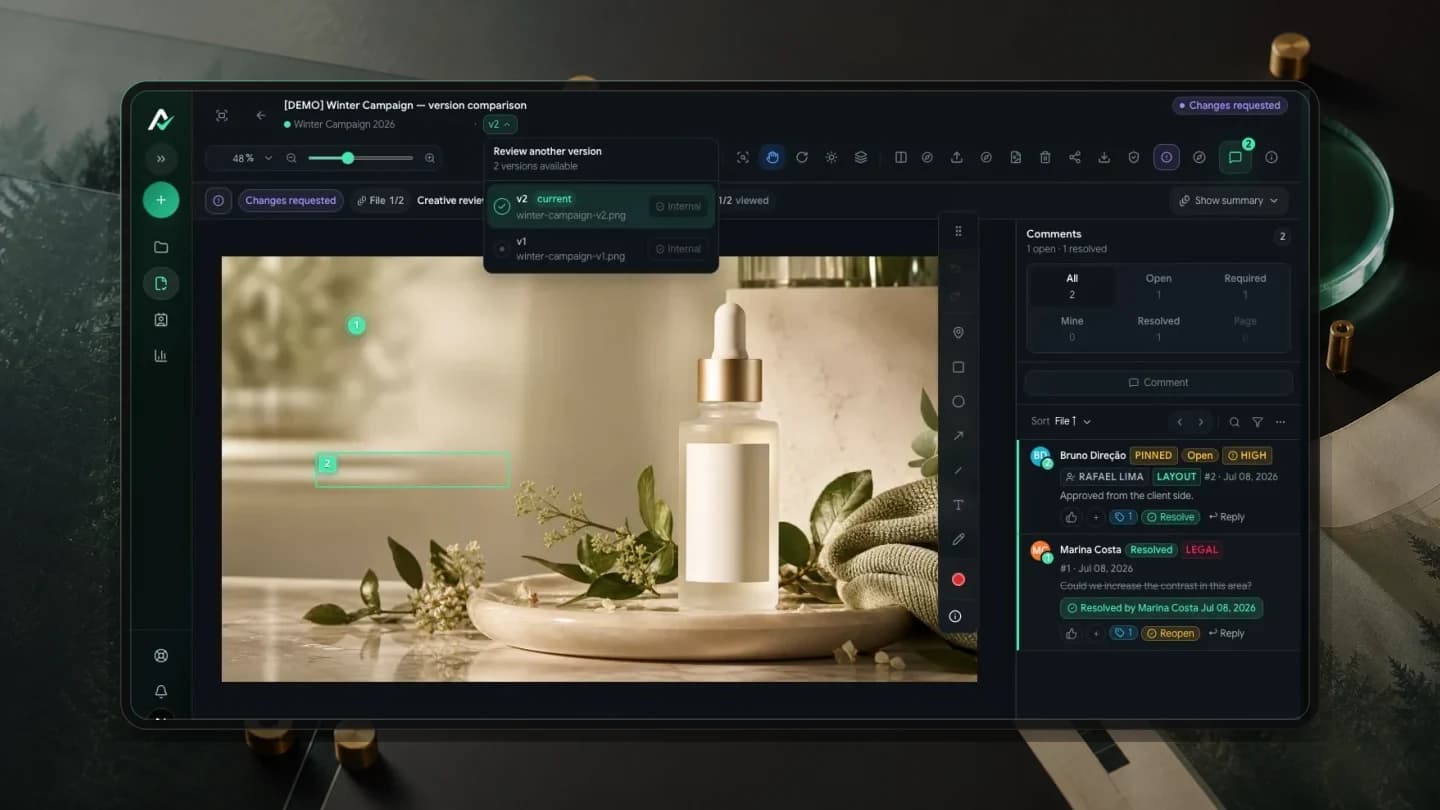
The wrong version does not arrive with a warning. It arrives with a similar name.
final.png, final-this-time.png, final-client-ok.png. Creative teams know these names. The risk grows when the decision stays in a conversation and the approved file is somewhere else.
A filename is not a history
A name helps, but it cannot do the whole job. The history needs to show which version came first, what comments it received and why the next version exists.
When the review keeps that sequence, the team does not need parallel folders to understand the campaign.
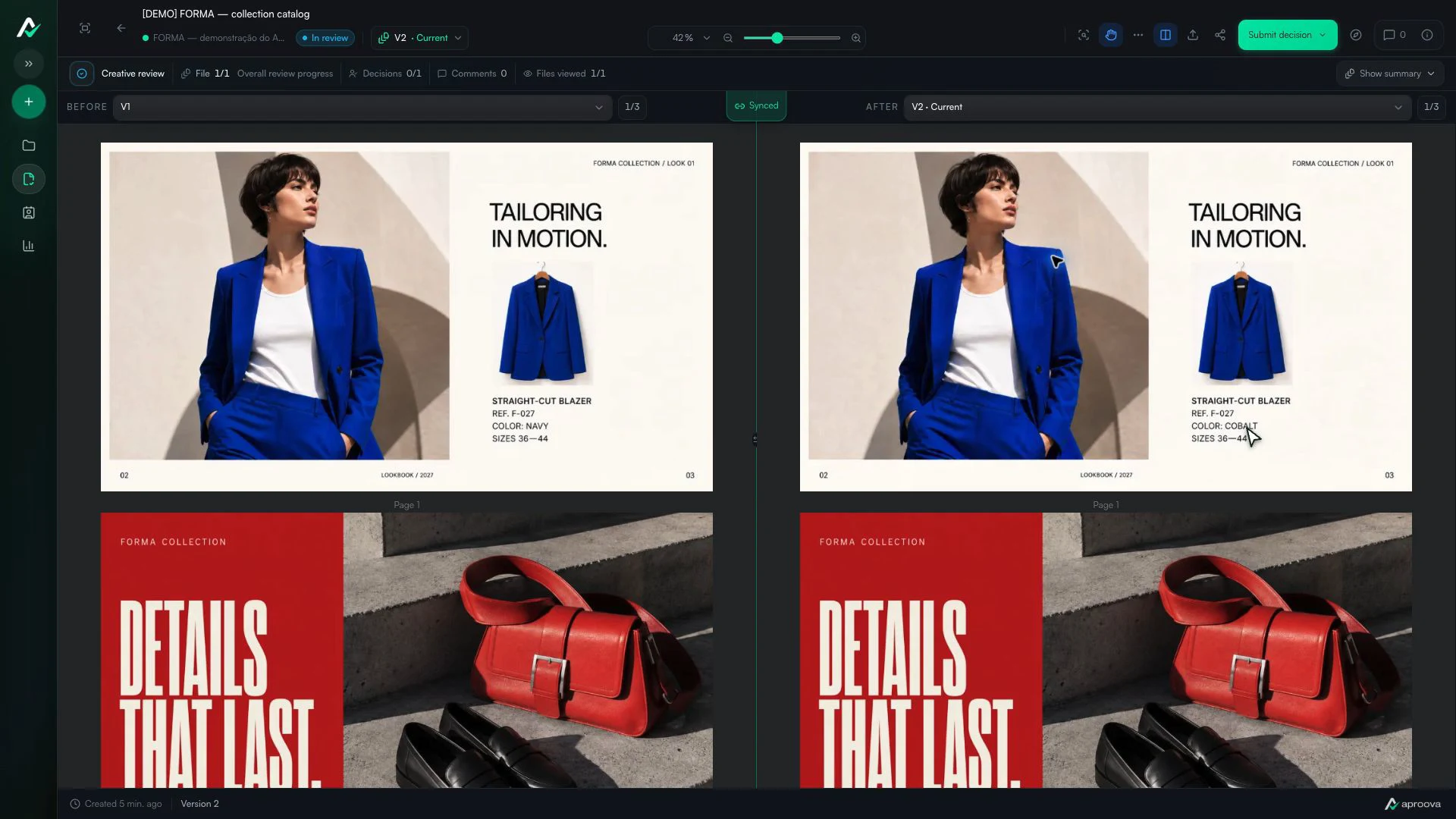
What the video shows
Versions 1 and 2 appear side by side. The color name changes; reference F-027 and sizes 36–44 stay the same. Recorded in Aproova using a fictional fashion collection and test comments.
Compare before deciding
When a new version arrives, ask two questions: does it work, and does it address the request?
Comparing before approval helps catch an asset that corrected one thing while breaking another.
Make the approved version explicit
The end of the process must point to a specific version, not vaguely to ‘the latest’.
If someone returns to the campaign later, the history should show the approved file and the decision that was made.
A new version should explain why it exists
The label v4 does not say what changed. Its connection to earlier comments shows that the version was added to correct a price, replace a photo or adjust the brand sign-off.
That helps both the creator and the reviewer. They can check the original request without searching old messages.
Track each file within a campaign package
Not every asset changes in the same round. A story may reach v3 while the banner stays at v1. Forcing one number onto the whole package hides that difference.
The overview should show each file's state while keeping the campaign together. That helps the team avoid losing assets or duplicating items when sending another round.
Keep the history useful after the project
The value becomes clear months later, when someone asks why a sentence changed or who approved the packaging. If the record depends on the memory of people who worked on the project, it is not dependable.
The approved version, resolved requests and decision should remain available for the retention period defined for the workspace.
Questions people ask before setting up the workflow
What is the best way to name versions?
Use simple, consistent names, but do not rely on them alone. The system should show each version's order, history and state.
Do I need a new review for every round?
No. Add the new version to the existing review to preserve comments, participants and decisions.
How do I manage several assets in one campaign?
Keep the package together, but track version and status per file. This avoids duplication and shows exactly what changed.
Continue with these guides
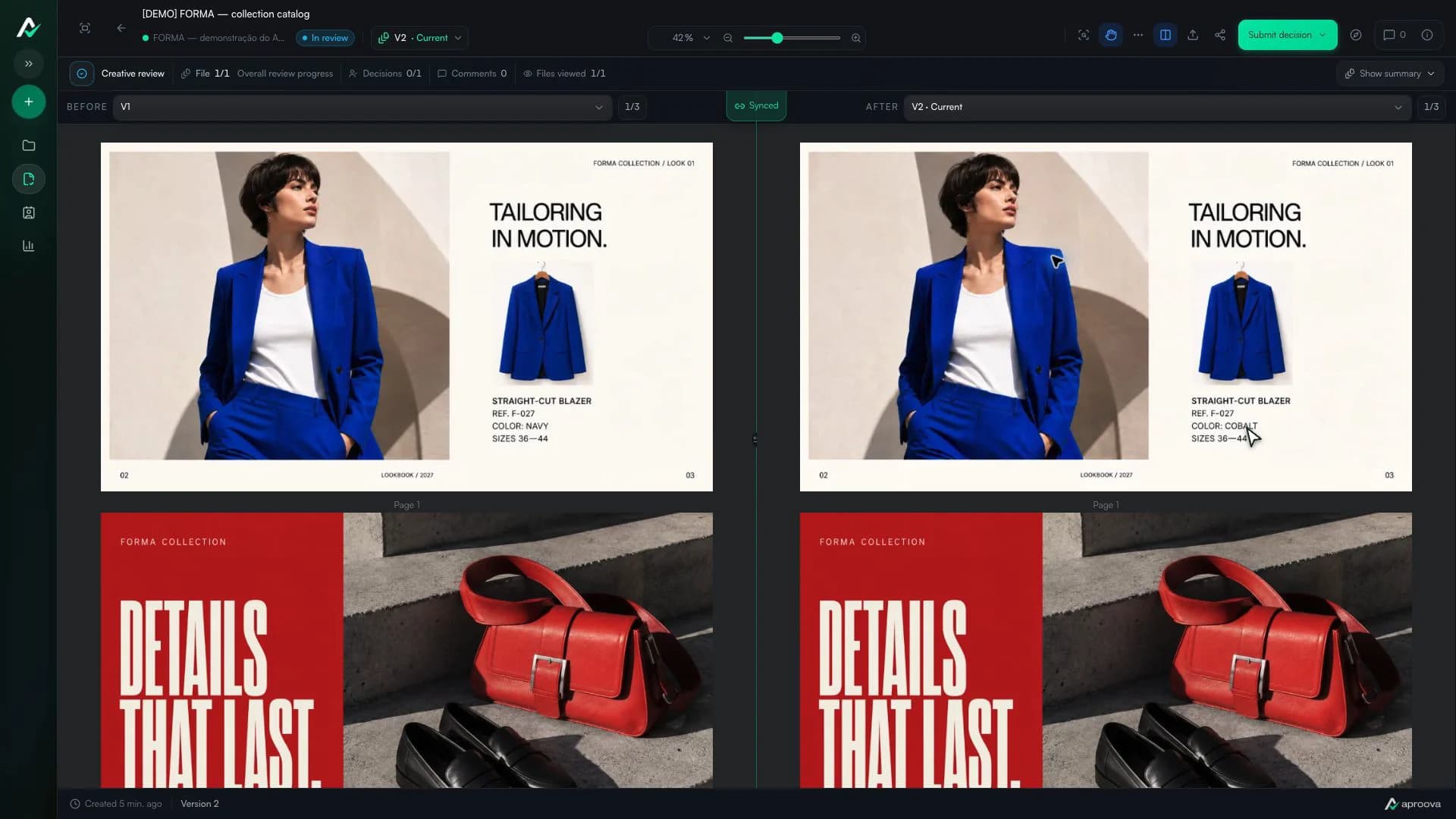
How to compare creative versions without relying on memory
Use side-by-side and overlay comparison to check changes before approving the final artwork.
Read guide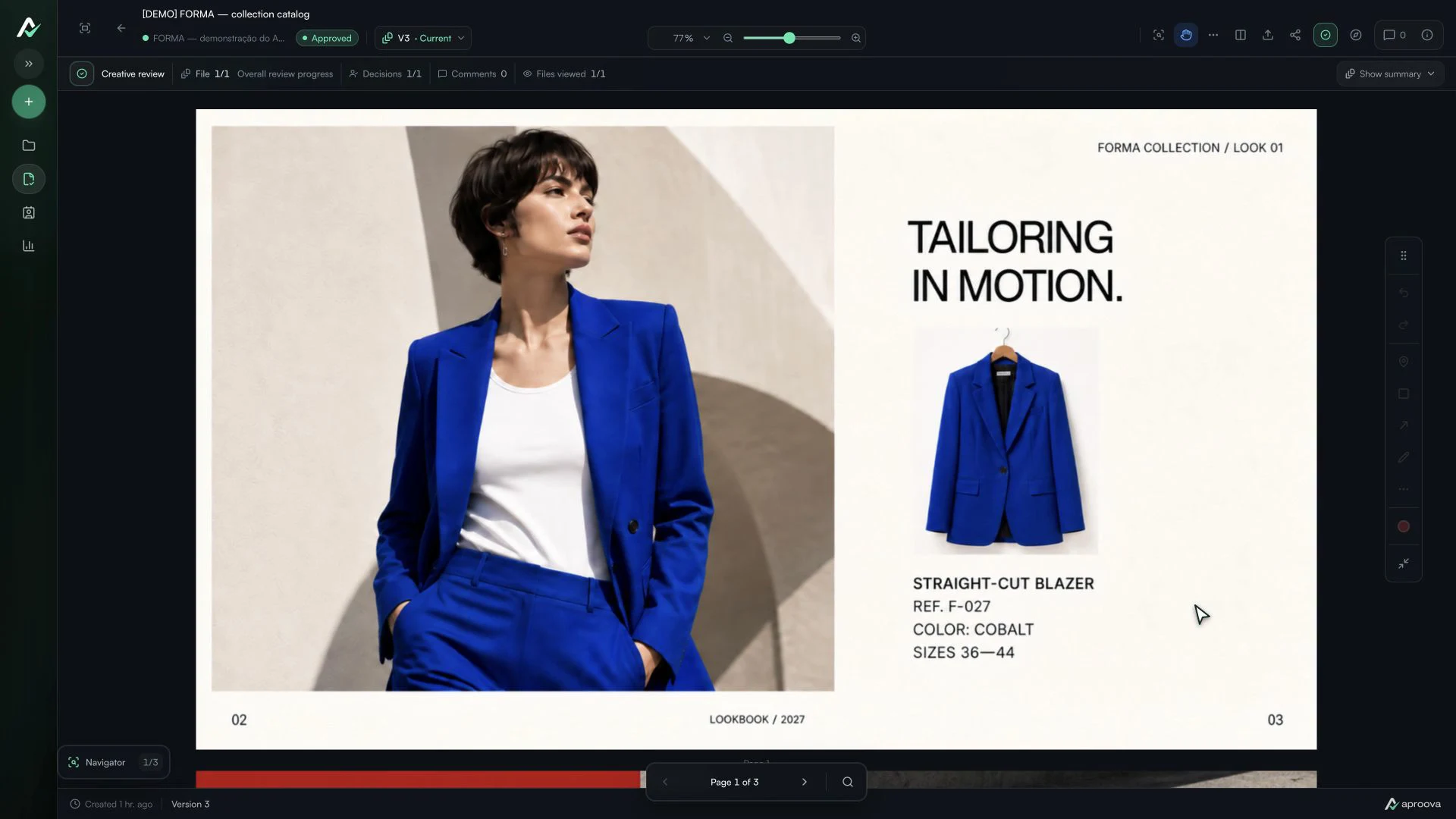
The client approved the artwork, then requested a change. Which decision applies?
Handle a change requested after approval, identify the authorized version and record a new decision without losing the history.
Read guideHow to review a PDF with clients without scheduling another meeting
Use page-specific comments, clear versions, and one client link to review PDFs asynchronously.
Read guide