

WhatsApp: notify reviewers without losing the history
Connect a supported provider and choose recipients and events.
Written by the Aproova product team from the review flows we build and test in the application.
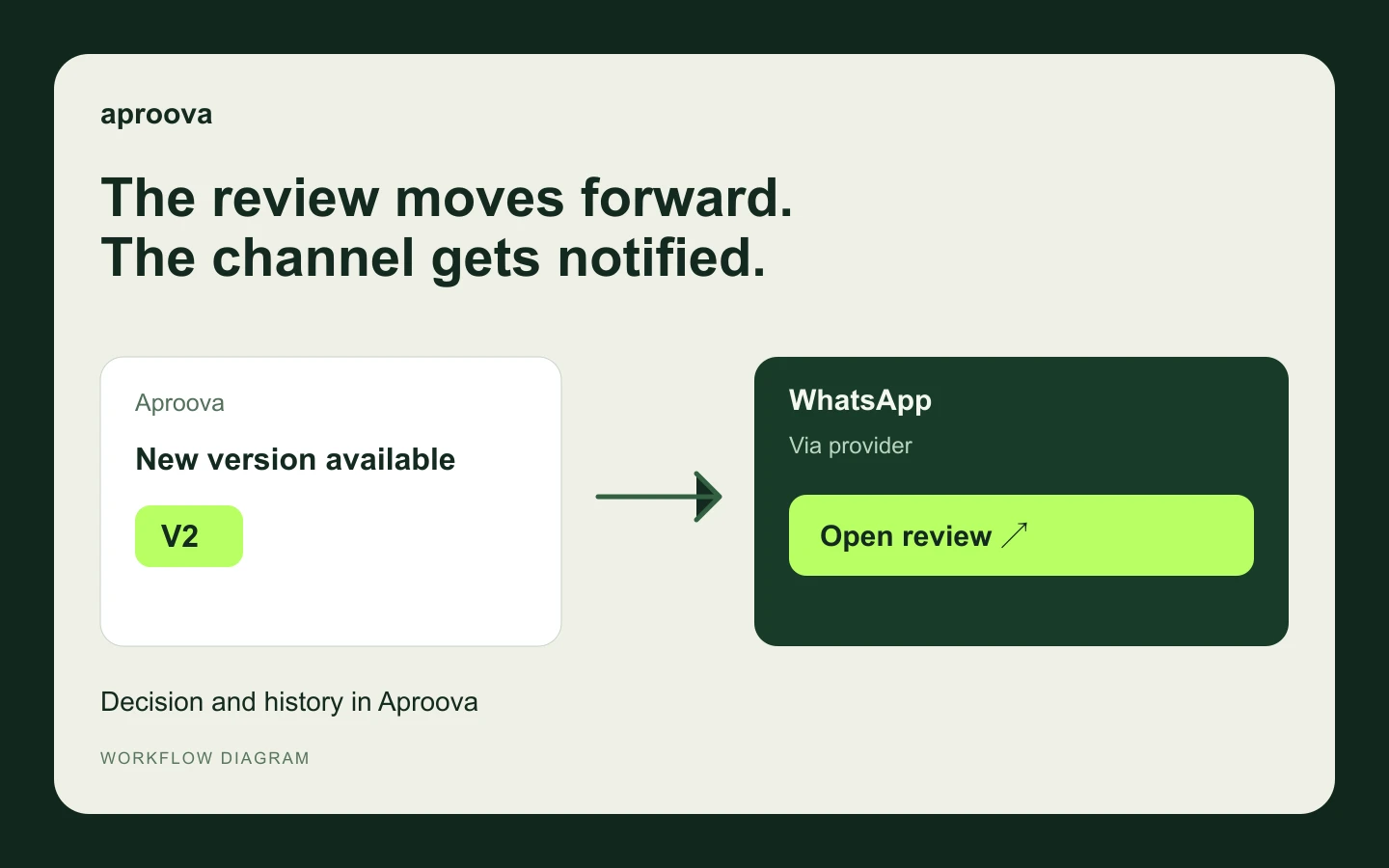
Clients often ask on WhatsApp whether a change is ready. A notification can take them to the right file, but feedback stays traceable only when comments and decisions return to the review.
Configure a supported provider, recipients and events. Start with an authorized internal number and check the received message. Provider fees, permissions and rules are separate from Aproova.
Connect the destination and verify delivery
Workspace owner and Flow or above. Your own account and credentials for Evolution API, Z-API, WhatsApp Cloud API, Twilio or WATI; provider costs and rules are separate.
Open Settings > Integrations > Native WhatsApp > New channel.
Name the channel and choose the provider. Fill only the credentials requested for that provider.
Enter recipients and adjust the message using the available variables. Check numbers and content before saving.
Select events and create the channel. Use Test only with an authorized internal number; check both history and the received message.
Use Edit to change settings and Pause to stop new notifications. Review dependencies before removing a channel.
Before using it with your team
Sending failed: check credentials, number format, permissions and provider limits in delivery history.
This feature requires a service setup; it does not connect a personal WhatsApp account through a login button.
Provider acceptance does not guarantee delivery to the phone or that the message was read.
To follow along in the app, choose the tool in the guide at the top of Settings → Integrations. Use Next step and Open full help as needed. Moving through the guide does not connect accounts or send messages; verify the result at the destination before using it in production.
Recipients receive configured notifications. Comments and approval stay in Aproova.
Continue with these guides
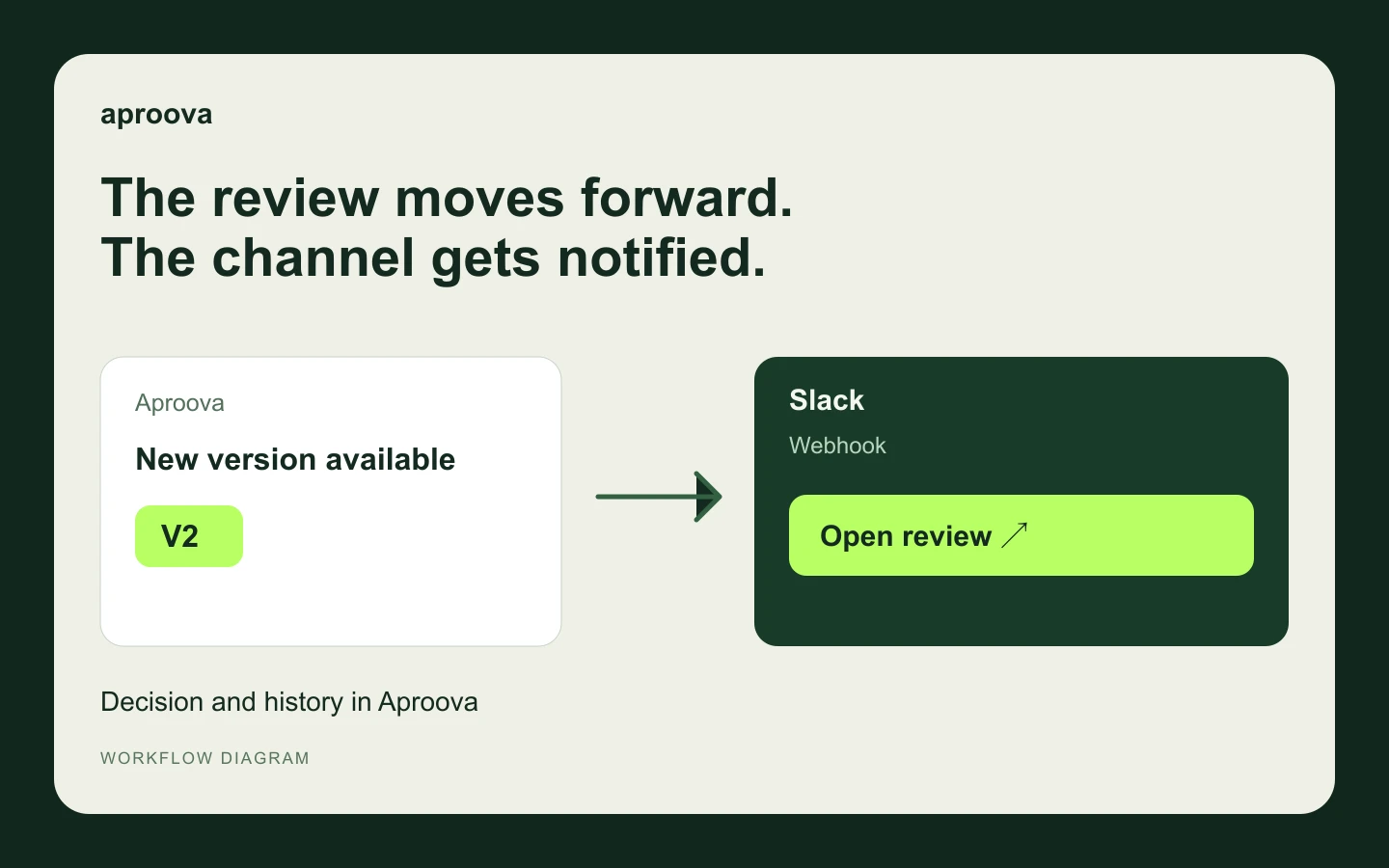
Slack: notify the channel when a review moves forward
Create a Slack link, connect a channel, and test review notifications before activating them.
Read guide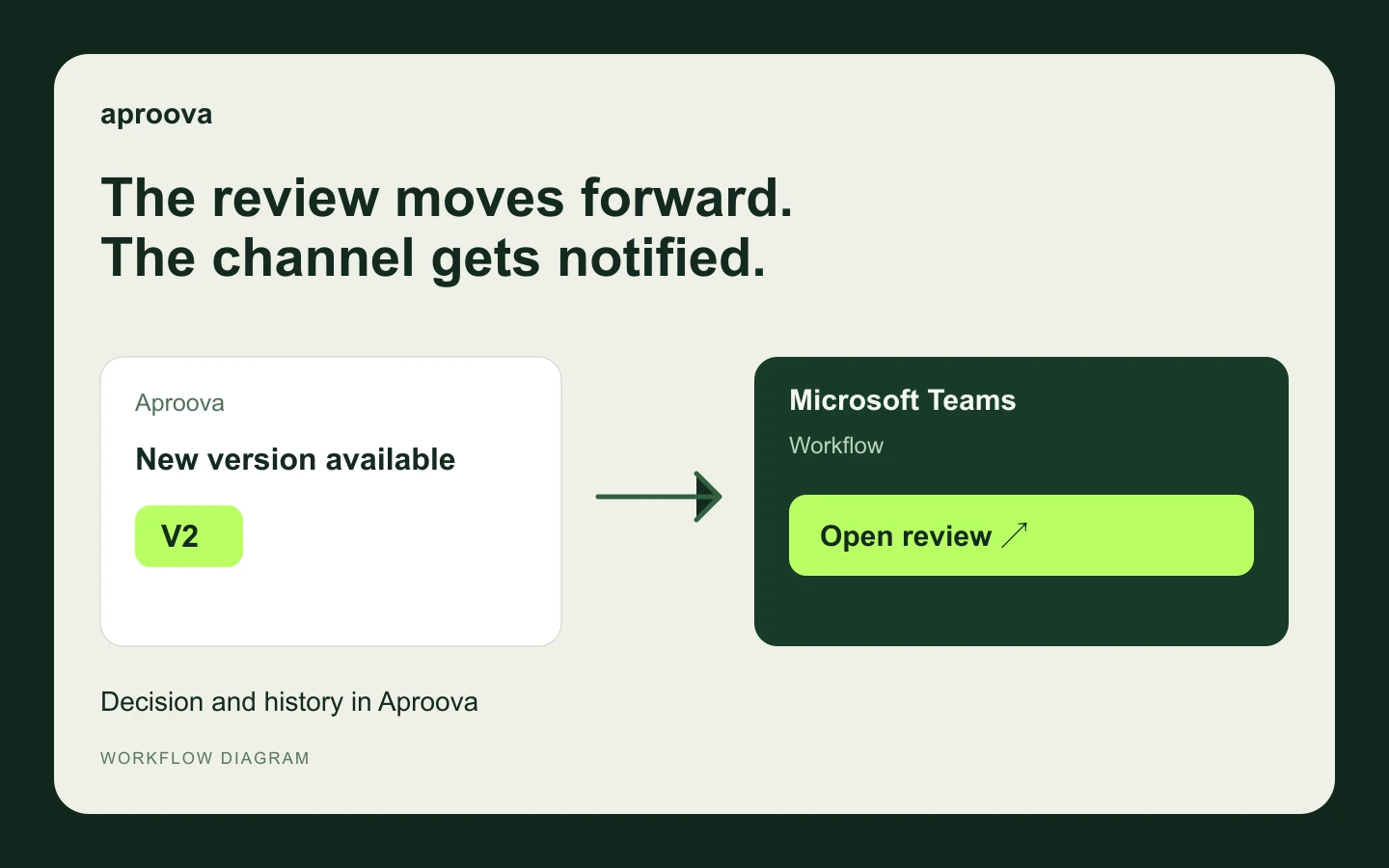
Microsoft Teams: bring review updates to the team channel
Create a Teams workflow, connect the channel, and confirm delivery of Aproova notifications.
Read guide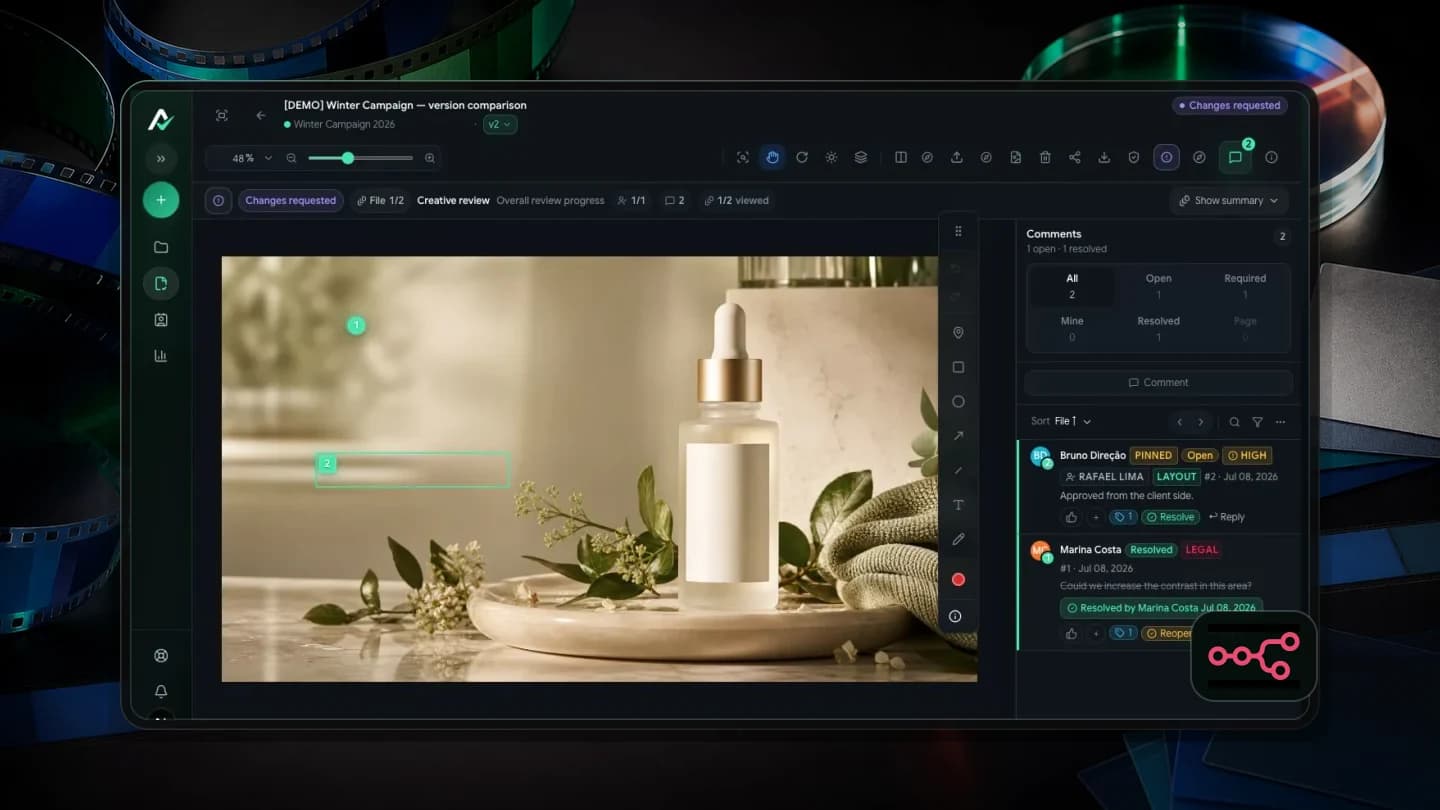
Aproova with n8n: automate notifications, not the review
Send review events to n8n, filter them by folder or group, and build WhatsApp notifications with a link and thumbnail.
Read guide