

Slack: notify the channel when a review moves forward
Create a Slack link, connect a channel, and test review notifications before activating them.
Written by the Aproova product team from the review flows we build and test in the application.
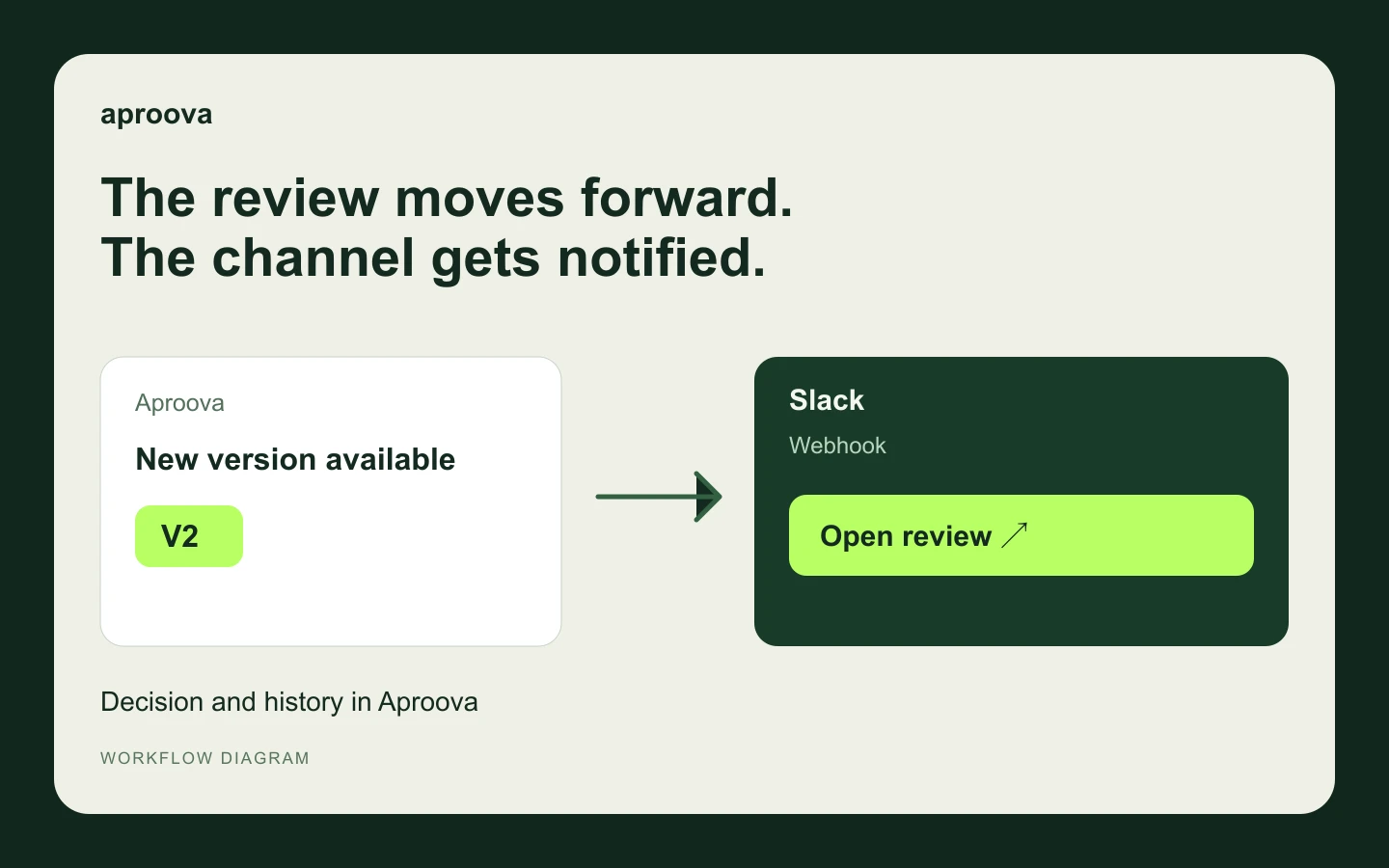
The team watches the channel, but a new version waits for someone to paste its link. A review notification closes that gap by showing the work, version and event with a link to open it.
Choose a project channel and events that need attention. Sending every update adds noise. Record the decision in Aproova, alongside the file and its history.
Connect the destination and verify delivery
You must be the Aproova workspace Owner, have a plan with webhooks, and have permission to configure the destination channel.
Create the link in the service. In the Slack app portal, create an app in the intended workspace. Enable Incoming Webhooks and choose Add New Webhook to Workspace. Select the channel, authorize it, and copy the Webhook URL. If Slack requires approval, ask that workspace’s administrator.
Set up Aproova. In Settings > Integrations, choose «Configure Slack». Name the connection and paste the link into the «Secret Slack URL» field. Choose the project and events, then save it paused. The name is only a label: the destination service determines the channel.
Test before activating. Send a test from the saved connection and check the message in the selected channel. Check delivery history if it does not arrive. Activate only after confirming receipt; you can pause the connection again at any time.
Before using it with your team
No setup option? Check the workspace, your Owner role, and whether the plan includes webhooks.
Invalid URL? Use the webhook link, not the channel address or the n8n/generic webhook field. The link is secret: paste it only into the dedicated field. If exposed, replace it in the service and update the connection.
The test arrived but notifications did not? Check that the connection is active and the project and event are selected. Events before activation are not automatically replayed.
Slack not receiving messages? Check whether the channel was archived or the app or webhook was removed. Read the error in delivery history before creating another link.
To follow along in the app, choose the tool in the guide at the top of Settings → Integrations. Use Next step and Open full help as needed. Moving through the guide does not connect accounts or send messages; verify the result at the destination before using it in production.
The channel receives selected event notifications with a link to open the review in Aproova. Comments and decisions stay in Aproova. Files, private comments, and participants’ email addresses are not sent to the channel.
Continue with these guides
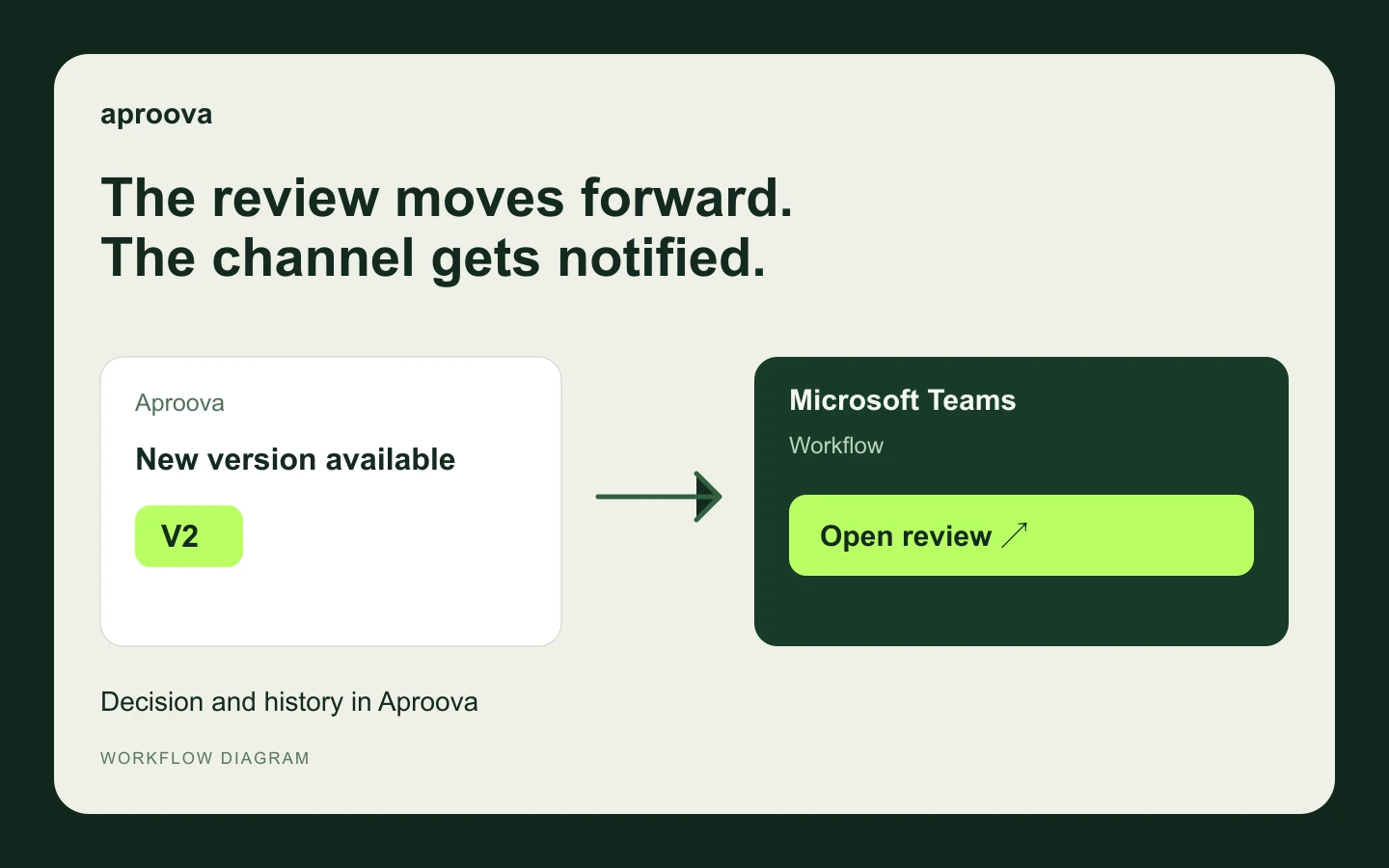
Microsoft Teams: bring review updates to the team channel
Create a Teams workflow, connect the channel, and confirm delivery of Aproova notifications.
Read guide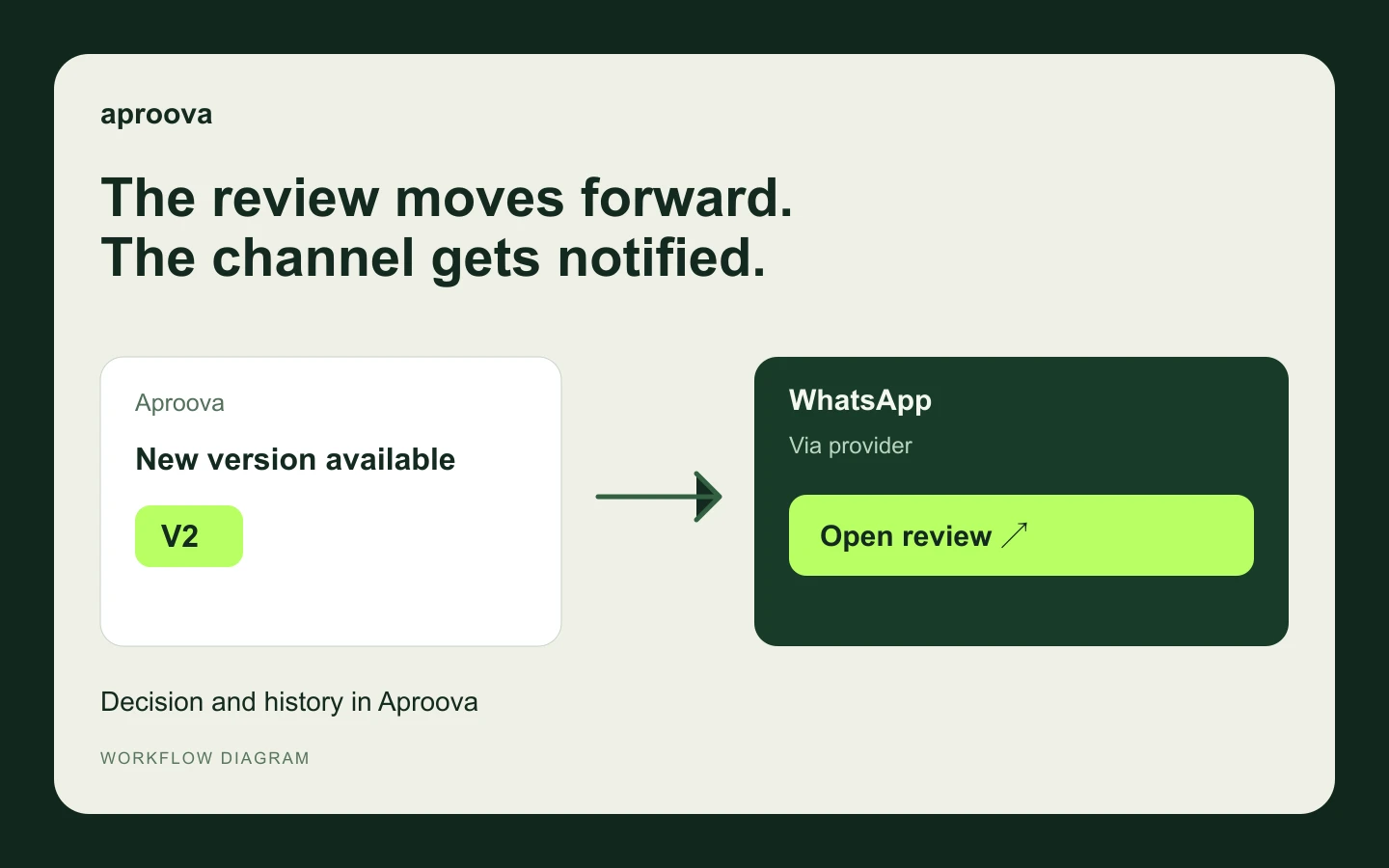
WhatsApp: notify reviewers without losing the history
Connect a supported provider and choose recipients and events.
Read guide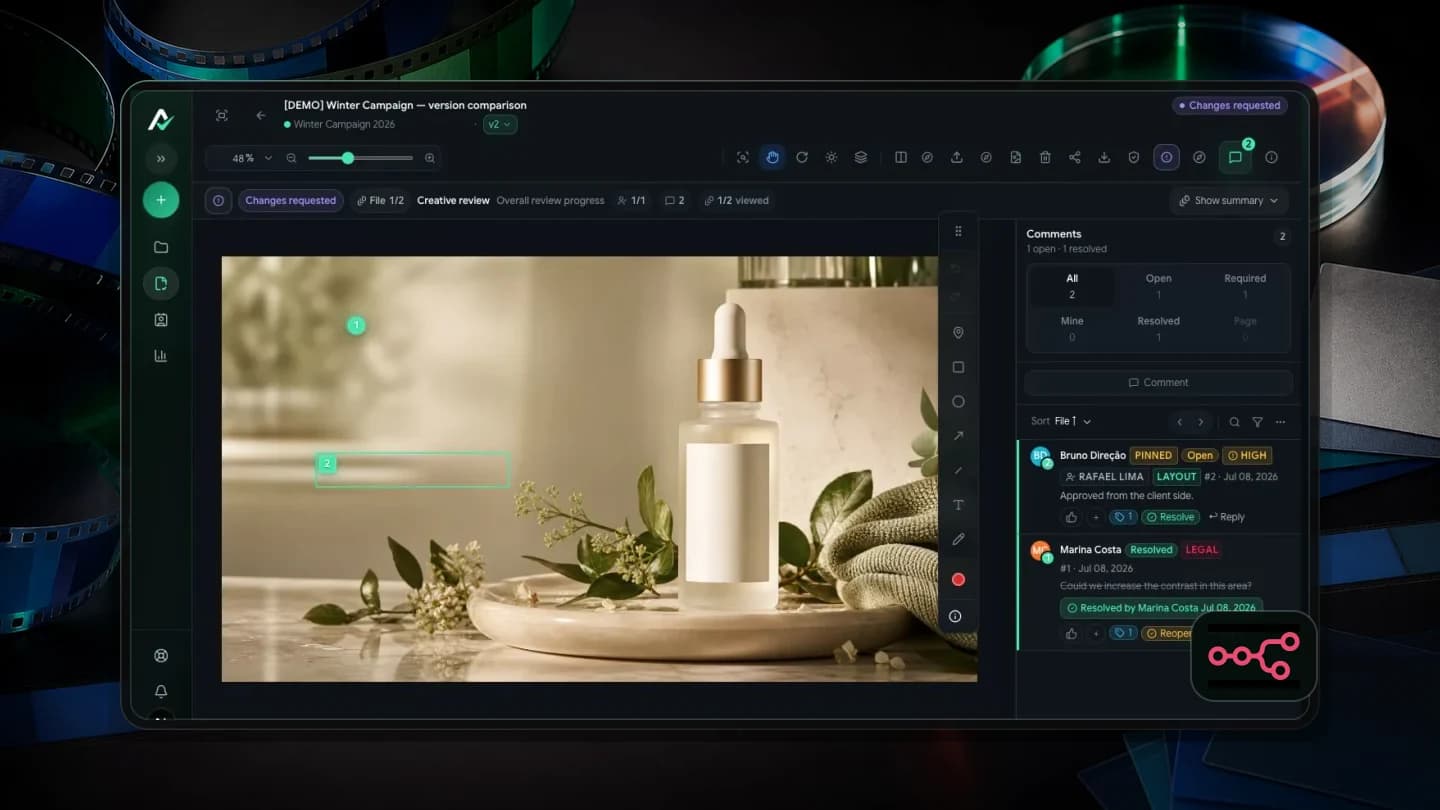
Aproova with n8n: automate notifications, not the review
Send review events to n8n, filter them by folder or group, and build WhatsApp notifications with a link and thumbnail.
Read guide